Keeper Security Review 2026: Weighing Its Compliance Credentials Against the Add-On Costs
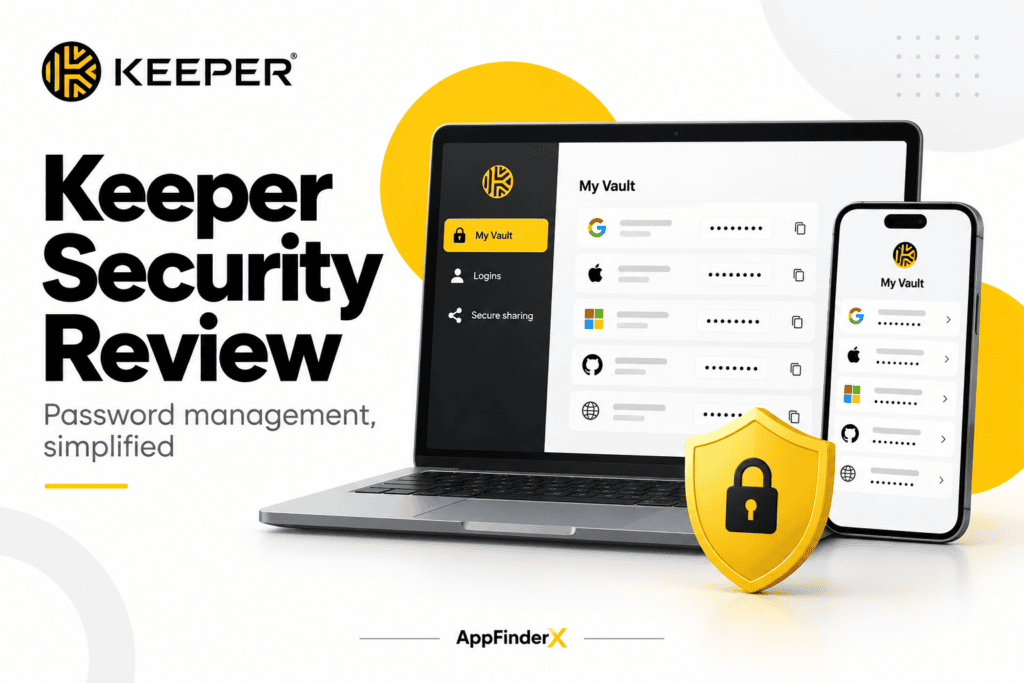
Keeper Security Review: Weighing Its Compliance Credentials Against the Add-On Costs
Two things are true about Keeper Security at once, and neither cancels the other out. It holds one of the deepest compliance portfolios of any password manager on the market — FedRAMP High Authorization, SOC 2, ISO 27001/27017/27018, HIPAA and GDPR compliance, StateRAMP authorization — credentials that matter enormously to a business that sells into government, healthcare, or finance. And it charges extra, as separate add-ons, for features like dark-web breach monitoring and secure file storage that several competitors simply include in their base price.
Our Take: the decision to buy Keeper comes down to which of those two facts matters more for your specific business — the compliance paperwork or the sticker price — and this Keeper Security review is built around making that trade-off explicit rather than papering over it. This is a research-based evaluation drawn from Keeper’s published pricing, documentation, and third-party certification records, not hands-on deployment across a live organization.
At a Glance
| Category | Password manager / privileged access management |
| Best For | Regulated small businesses (healthcare, finance, government contractors) that need documented compliance credentials, not just password storage |
| Starting Price | Personal plans from roughly $2.92–$3.33/month billed annually; Business Starter from $2/user/month billed annually |
| Free Trial | 30-day free trial on paid plans; a limited free tier stores up to 10 records on one mobile device |
| Standout Strength | The deepest compliance and certification record in the password manager category |
| Biggest Drawback | Dark-web monitoring and secure file storage are priced as separate add-ons rather than included features |
| Top Alternative | Bitwarden for budget-conscious teams; 1Password for a more bundled feature set at a comparable price |
The Compliance Case: Why Regulated Businesses Look at Keeper First
Here’s where Keeper’s pricing actually starts to make sense: for a business that has to prove its security posture to an auditor, an insurer, or a government contracting officer, Keeper’s certification list is doing real work that a cheaper competitor’s marketing copy can’t replace. Keeper holds FedRAMP High Authorization and GovRAMP Authorization for its government cloud offering, more than ten consecutive years of SOC 2 compliance, ISO 27001, 27017, and 27018 certification, and documented HIPAA and GDPR compliance. For a healthcare billing service, a law firm handling privileged client data, or any small business that contracts with a federal or state agency, that list isn’t a nice-to-have — it’s frequently the actual procurement requirement that determines which password manager is allowed on the approved vendor list at all. Competitors like Bitwarden and 1Password have their own security audits, but none currently match Keeper’s specific combination of FedRAMP High and StateRAMP authorization, which is the credential that matters most if your clients include public-sector entities.
The question this raises immediately, though, is whether your business actually needs that specific credential. If you’re a five-person marketing agency with no government or healthcare clients, FedRAMP authorization changes nothing about your day-to-day password management — you’re paying for compliance infrastructure built for a different kind of buyer. That’s not a criticism of Keeper; it’s the first fork in the decision tree this review is built around.
The Add-On Paywall: What’s Missing From the Base Price
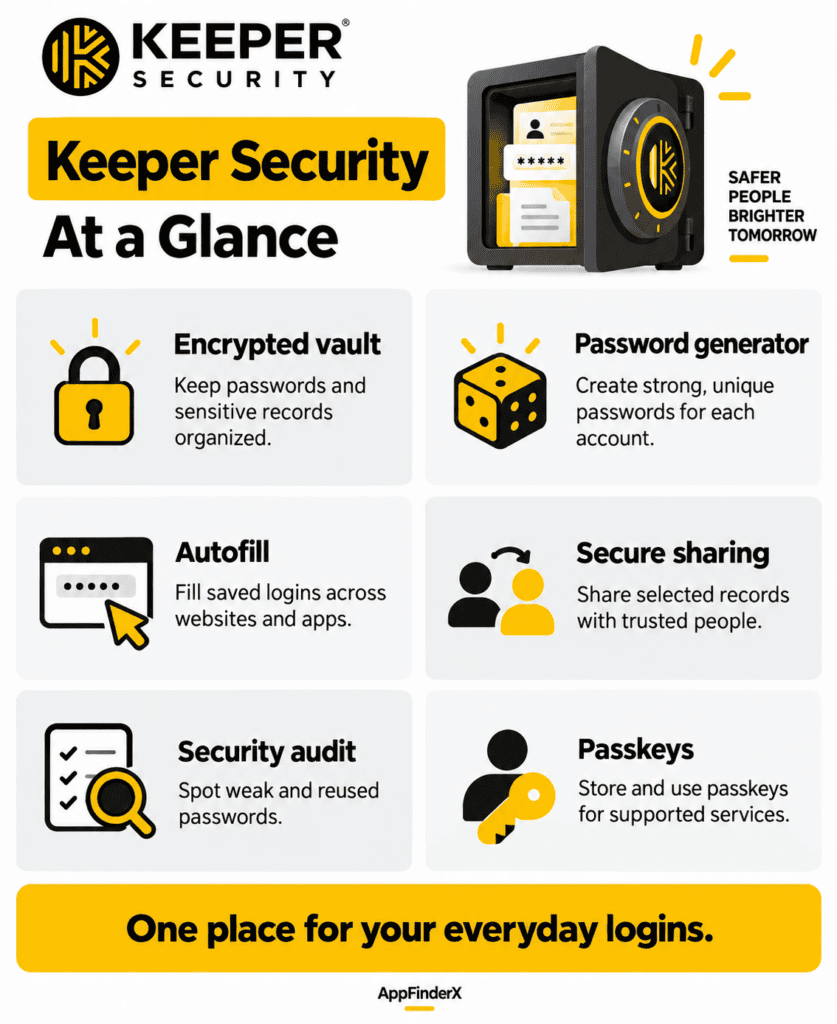
Here’s the trade-off that shows up the moment you start comparing line items against competitors. Keeper’s core plans — Personal, Family, Business Starter, and Business — cover the essentials: an encrypted vault, autofill, unlimited password storage, and cross-device sync. What they don’t include by default is BreachWatch, Keeper’s dark-web monitoring tool that alerts you when a stored credential appears in a known breach. On several competing password managers, that kind of breach monitoring ships standard in the base subscription. With Keeper, it’s a separate paid add-on, layered on top of whatever plan you’ve already bought. Secure file storage works the same way — it’s not bundled into the core vault price, so a business that wants to store sensitive documents alongside passwords needs to budget for it as a line item rather than assuming it’s covered.
This is where the forward-looking question matters: if your business will use BreachWatch and file storage from day one, price the add-ons in before comparing Keeper’s headline number against a competitor’s all-inclusive price — the gap narrows, and sometimes reverses, once both are counted. If your business only needs the core vault, Keeper’s base price is genuinely competitive, and the unused add-ons are simply a non-issue.
Business Starter vs. Business: Where the Real Feature Line Sits
The jump between Keeper’s two lower business tiers is where a lot of small businesses make an avoidable mistake. Business Starter, priced around $2 per user per month billed annually with a 5-to-10 seat requirement, covers credential sharing, autofill, and an encrypted vault with an admin console — enough for a small team that just needs centralized password hygiene. Business, at roughly $3.75–$4 per user per month with a 5-seat minimum, adds delegated administration and a more advanced organizational structure, which matters the moment your company has more than one person who needs to manage user permissions rather than a single owner handling everything.
Here’s where it matters most: single sign-on (SAML 2.0) and SCIM provisioning — the features that let a growing company manage password-manager access through the same identity system that already controls email and file access — aren’t available until Keeper’s Enterprise tier, which is custom-quoted. A ten-person business that’s outgrown manual user management but isn’t ready for a full enterprise identity setup sits in an awkward middle: Business covers day-to-day administration, but the SSO integration that would fully automate onboarding and offboarding requires a sales conversation and a custom quote rather than a self-serve upgrade.
KeeperPAM: The Line Between a Password Manager and a Security Platform
The other decision branch worth naming explicitly is KeeperPAM, Keeper’s privileged access management add-on, available on Business and Enterprise plans. This isn’t a consumer feature dressed up for business buyers — it’s a genuinely different product tier, aimed at IT teams that need to control access to servers, databases, and infrastructure (not just website logins), with session recording and zero-trust network access built in. It’s priced separately, per user per year, with a five-user minimum. For most small businesses under twenty employees, KeeperPAM is overkill; the core password manager already covers what the team needs. For a growing company that’s starting to manage its own servers, cloud infrastructure, or client environments with elevated credentials, though, KeeperPAM is the reason to pick Keeper specifically over a pure consumer password manager like Bitwarden, since neither Bitwarden nor most direct password-manager competitors offer an equivalent privileged-access layer inside the same product family.
Running the Real Numbers, Add-Ons Included
| Plan | Price | Billing | Best Fit |
|---|---|---|---|
| Personal | ~$2.92–3.33/mo | Annual | Individual users, no team management needed |
| Family | ~$6.24–6.25/mo | Annual | Up to 5 personal accounts sharing a household plan |
| Business Starter | ~$2/user/mo | Annual, 5–10 seat minimum | Small teams needing basic shared vaults and admin oversight |
| Business | ~$3.75–4/user/mo | Annual, 5-seat minimum | Growing teams needing delegated administration |
| Enterprise | Custom quote | Annual | Businesses needing SSO, SCIM, and advanced MFA |
(Figures reflect Keeper’s published pricing as of September 2026; add-ons such as BreachWatch and secure file storage are priced separately and are not included in the figures above.)
Run the numbers for an eight-person bookkeeping firm on Business Starter: at $2 per user per month billed annually, that’s $192 per year for the team’s core vault and admin console. Add BreachWatch across all eight seats as an add-on, and the annual total climbs — often by another $50–$100 depending on current add-on pricing, which Keeper doesn’t publish as a flat public rate and is worth confirming directly at checkout. That gap is exactly why this review keeps returning to the same forward-looking question: decide which add-ons your business will actually use before comparing Keeper’s headline number to a competitor’s bundled price.
Keeper vs. 1Password vs. Bitwarden
| Keeper | 1Password | Bitwarden | |
|---|---|---|---|
| Business Starter equivalent | ~$2/user/mo | ~$7.99/user/mo (Business) | ~$4/user/mo (Teams) |
| Dark-web monitoring included? | No — paid add-on | Yes, included | Yes, included on paid plans |
| FedRAMP authorization | Yes (High) | No | No |
| Open-source | No | No | Yes |
Choose 1Password over Keeper if you want breach monitoring and a more fully bundled feature set included at the base price and don’t need FedRAMP-level compliance. Choose Bitwarden over Keeper if budget and open-source transparency matter more than a deep compliance certification list — Bitwarden’s Teams pricing consistently undercuts Keeper’s comparable tier while still including breach monitoring. Choose Keeper specifically when your business needs to show a client, auditor, or contracting officer a specific certification — FedRAMP High and StateRAMP in particular — that its competitors don’t currently hold.
Where the Trade-Off Actually Lands
The conclusion of this Keeper Security review is straightforward once the two forks are laid side by side: Keeper earns its place on a shortlist the moment compliance documentation becomes a real requirement rather than a preference — no other mainstream password manager currently matches its FedRAMP High and StateRAMP authorization, and for a business selling into government, healthcare, or finance, that alone can decide the purchase. For a business without that specific requirement, whether Keeper is worth it comes down to arithmetic rather than reputation: its base pricing is competitive but not clearly better than 1Password or Bitwarden once BreachWatch and file storage are added back in as real costs rather than optional extras. The practical move is to map your business against the two forks this review has laid out: if compliance certification is a checkbox you have to tick, buy Keeper and don’t second-guess it; if it isn’t, price the add-ons before assuming Keeper’s headline number is the number you’ll actually pay.
Frequently Asked Questions
Is Keeper Security’s free plan usable for a small business? Not really. The free tier stores only 10 records and works on a single mobile device, which makes it a way to test the interface rather than a viable option for team password management.
Do I need KeeperPAM if I just want a business password manager? No. KeeperPAM is a separate, additionally priced module for managing privileged access to servers and infrastructure. Most small businesses only need Keeper’s core Business or Business Starter plan.
Does Keeper include dark-web monitoring by default? No — BreachWatch, Keeper’s dark-web monitoring tool, is a paid add-on on Personal, Family, and Business plans, unlike some competitors that include equivalent monitoring in their base subscription price.
When does a growing business need Keeper Enterprise instead of Business? When you need single sign-on (SAML 2.0), SCIM provisioning, or advanced MFA options tied to an existing identity provider. Keeper’s Business tier covers delegated administration but not SSO integration, which is reserved for the custom-quoted Enterprise plan.
What’s the biggest thing this Keeper Security review wants a buyer to check before purchasing? Price out BreachWatch and secure file storage as add-ons if you know you’ll use them — Keeper’s headline plan price doesn’t include either, and the gap against a competitor’s all-inclusive price can be larger than it first appears.
Is Keeper’s FedRAMP authorization relevant if I don’t work with government clients? Generally, no — it’s a strong signal of overall security rigor, but the specific FedRAMP and StateRAMP authorizations mainly matter for businesses contracting with government agencies or operating in regulated industries with similar documentation requirements.
Integrations
- Identity providers (Entra ID, Okta, Google Workspace, AD FS) — Enterprise tier — connects Keeper vault access to the same login system already managing company email and file access.
- KeeperChat — an encrypted messaging add-on available on Personal and Family plans for businesses that want secure internal communication alongside password management.
- Browser extensions (Chrome, Firefox, Edge, Safari) — autofill and vault access without opening the standalone desktop or mobile app.
Alternatives
- 1Password — a strong choice for a business that wants dark-web monitoring and a more bundled feature set included at the base subscription price.
- Bitwarden — the better fit for budget-conscious teams that value open-source transparency over the deepest compliance certification list.
- Dashlane — worth comparing for businesses that want a built-in VPN alongside password management, though typically at a higher per-seat price than Keeper.