Best eSignature, PDF & Legal Software for Small Businesses
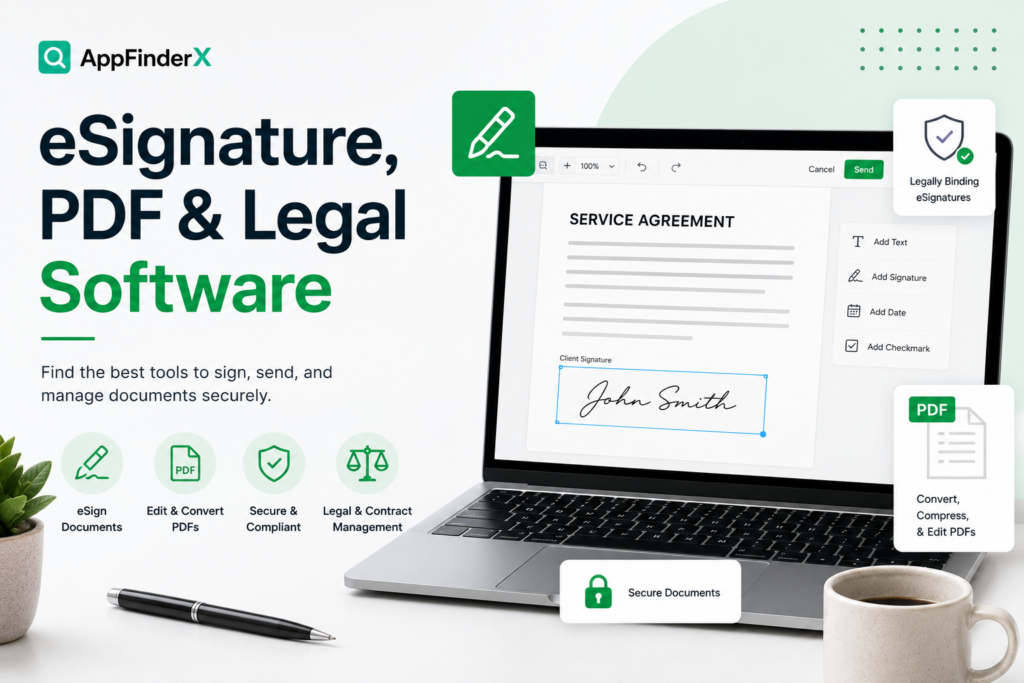
Getting a document signed used to mean printing, signing, scanning, and emailing — a process that could stall a deal for days over something as simple as a signature. eSignature and document software removes that friction, and the right tool depends mostly on how complex your documents are and how much of the sales or onboarding process you want built around signing, not just the signature itself.
Our Top Picks
| Software |
Best For |
Standout Strength |
Full Review |
| PandaDoc |
Proposals, quotes, and contracts in one workflow |
Combines document creation, e-signature, and payment collection in one platform |
Read the review |
| SignNow |
Straightforward, affordable e-signature |
Simple, no-frills signing workflow at a lower price than most competitors |
Read the review |
| Jotform Sign |
Businesses that already collect information via forms |
Combines form-building and e-signature natively in one tool |
Read the review |
| Adobe Acrobat Sign |
Teams already using Adobe or handling complex PDFs |
Deep PDF editing paired with enterprise-grade e-signature and audit trails |
Read the review |
Best All-in-One Document Workflow
PandaDoc goes beyond a basic signature tool — proposal and quote templates, e-signature, and payment collection are built into one workflow, which makes it the strongest pick for a sales-driven business that wants a document to go from “sent” to “signed and paid” without switching tools in between. Read the full PandaDoc review.
Best Straightforward eSignature Tools
SignNow and SignWell both focus on the core job — getting a document signed quickly and legally, without a lot of extra proposal or workflow functionality layered on top. Both are strong choices for a small business that just needs reliable, affordable e-signature without paying for features aimed at larger sales teams. Full reviews: SignNow, SignWell.
Best for Form-Based Signing
Jotform Sign is the natural pick if your business already collects information through forms — intake forms, applications, waivers — and wants signature collection built into the same tool rather than exporting a form response into a separate e-signature platform. Read the full Jotform Sign review.
Best for Complex PDFs and Adobe Ecosystem Fit
Adobe Acrobat Sign is the right choice for a business that regularly works with complex PDFs — dense contracts, forms with intricate formatting — and wants deep PDF editing capability alongside enterprise-grade e-signature and audit trails. It’s also the more natural fit if your team already relies on other Adobe products. Read the full Adobe Acrobat Sign review.
What to Look for in eSignature & Legal Document Software
Legal validity in your jurisdiction. Most reputable e-signature tools comply with major electronic signature laws (like the U.S. ESIGN Act), but if your business operates internationally or in a specialized regulatory environment, confirm a specific tool’s compliance rather than assuming it applies universally.
Audit trail and record-keeping. A detailed audit trail — timestamps, IP addresses, and a clear signing sequence — matters more than it seems until a signed document is ever disputed. Confirm what’s captured and how it’s stored before relying on a tool for anything contractually significant.
How much workflow you actually need around the signature. A basic e-signature tool is enough for simple documents; a business running proposals, quotes, and contracts through a sales process benefits more from an all-in-one tool like PandaDoc that manages the whole document lifecycle.
Per-document or per-user pricing at your real volume. Some tools price by number of documents sent per month, others by user seat — model your actual signing volume and team size before comparing sticker prices.
How We Evaluate eSignature, PDF & Legal Software
This category page and its linked reviews are research-based, drawing on official pricing and documentation, independent user feedback, and third-party comparisons. We weigh core signing functionality and legal compliance, ease of use for signers (not just senders), PDF and document editing depth where relevant, pricing structure at realistic usage levels, and integration with common small-business tools like CRMs and payment processors.
All eSignature, PDF & Legal Software Reviews