Adobe Acrobat Sign Review 2026: Weighing the PDF Bundle Against the Transaction Caps

Adobe Acrobat Sign Review: Weighing the PDF Bundle Against the Transaction Caps
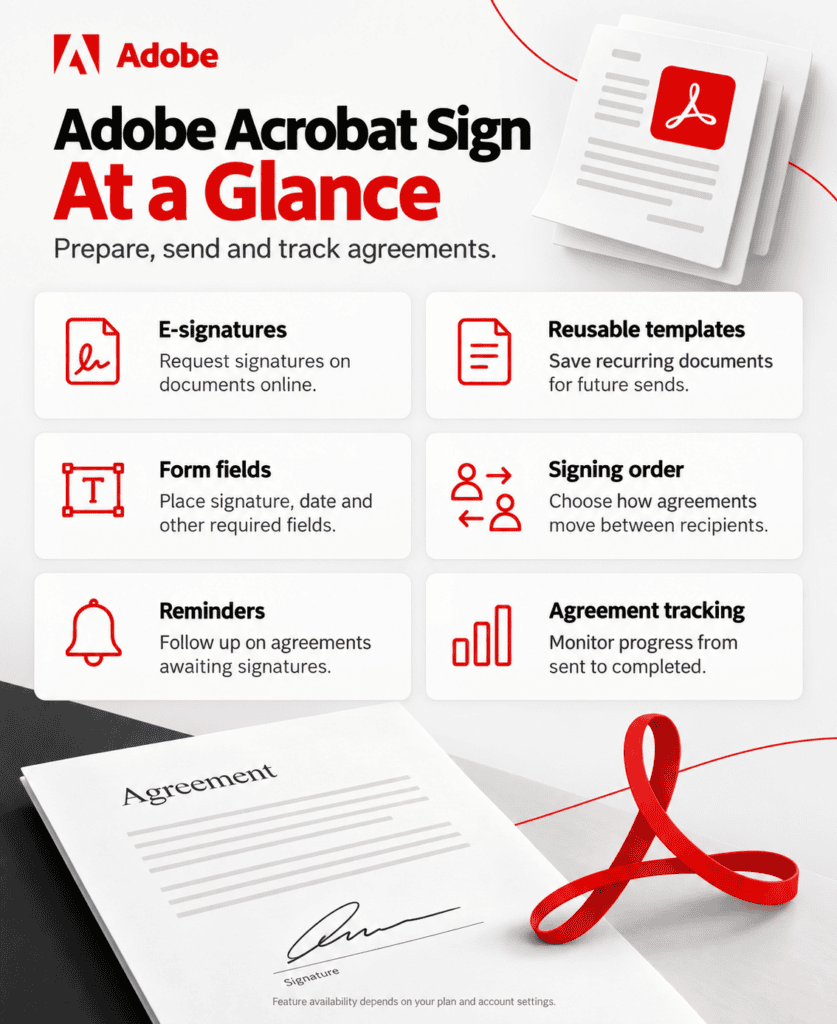
Adobe no longer sells “Adobe Sign” as its own product. It sells Acrobat — PDF creation, editing, and organization — with e-signature folded in as a feature across five different SKUs, from an individual Standard plan to a custom-quoted Enterprise tier. Our Take: that bundling is either the best reason to choose Adobe Acrobat Sign or the biggest reason to skip it, and which one applies to your business depends entirely on whether you’re already paying for PDF editing separately. This Adobe Acrobat Sign review is research-based, built from Adobe’s published pricing pages and third-party integration documentation, not hands-on deployment across a live account.
At a Glance
| Category | E-signature bundled with PDF editing |
| Best For | Businesses that need serious PDF editing and e-signature together, not just one or the other |
| Starting Price | ~$13–15/month (Acrobat Standard, individual, annual billing) |
| Free Trial | 7 days on Acrobat Pro |
| Standout Strength | Deep enterprise integrations (Salesforce, Workday, Microsoft) and serious PDF editing in the same subscription |
| Biggest Drawback | Standard team plans cap transactions at roughly 150 per user per year — a real ceiling for high-volume senders |
| Top Alternative | SignNow for lighter, e-signature-first pricing; PandaDoc for proposal-heavy sales teams |
The Fork Every Buyer Hits First: Individual, Team, or Enterprise
Adobe Acrobat Sign isn’t one product with one price — it’s e-signature access woven into three separate buying paths, and picking the wrong one is the single most common way a small business overpays. Individual plans (Acrobat Standard, Pro, and Studio, roughly $13–15, $20, and $25 per month on annual billing) are priced per person with no team administration features. Team plans (Standard, Pro, and Studio for Teams, roughly $17, $24, and $30 per user per month) add a shared admin console, transferable licenses when someone leaves, and centralized billing — genuinely necessary the moment more than one or two people need managed access. Acrobat Sign Solutions, the enterprise path, drops public pricing entirely in favor of a sales-quoted contract that adds unlimited transactions, SSO, and deeper workflow automation.
Here’s where it matters most for a small business: buying individual licenses for what is actually a team, just to avoid a sales conversation, means losing the admin console and license portability that Team plans exist specifically to provide. Conversely, jumping straight to a Team or Enterprise conversation for what is really a one- or two-person operation means paying for administrative overhead that has no practical use yet. The right fork depends on whether anyone besides the buyer needs to be centrally managed — not on company size alone.
Where the Transaction Cap Actually Bites
The detail buried furthest from Adobe’s headline pricing is also the one most likely to surprise a growing business: Standard-tier team plans cap e-signature transactions at roughly 150 per user, per year, unless a specific contract states otherwise. For context, 150 transactions a year works out to just under 3 per week per user — a limit that a business sending routine client agreements, vendor contracts, or onboarding paperwork can hit without realizing a cap even existed, since Adobe’s marketing pages emphasize the PDF editing tools far more prominently than the transaction ceiling. Pro and Studio tiers relax or remove this limit, but that means the realistic decision for any business with a genuine, regular signing volume isn’t Standard versus Pro on editing features alone — it’s Standard versus Pro on whether 150 signatures a year is enough, full stop.
This is the trade-off this review keeps returning to: Adobe’s individual and Standard-tier pricing looks highly competitive against dedicated e-signature tools, right up until transaction volume forces an upgrade that erases most of that price advantage. A business should count its actual annual signing volume before assuming the advertised entry price is the number it will actually pay.
What the Bundle Buys That a Pure E-Signature Tool Doesn’t
The case for paying the bundle premium is strongest when PDF editing is a real, recurring need rather than a nice-to-have. Acrobat’s editing tools — redaction, document comparison, scanned-text editing, and form field creation — are full-featured enough to replace a separate PDF editor subscription entirely, which changes the math: a business currently paying for both a standalone e-signature tool and a PDF editor may find that consolidating onto Acrobat Sign costs less in total than the sum of the two separate subscriptions, even at Adobe’s higher per-seat price. Adobe’s own enterprise integrations reinforce this positioning: native connections to Salesforce, Microsoft Dynamics 365, Workday, SAP SuccessFactors, and ServiceNow, plus status as Microsoft’s preferred e-signature solution inside Teams and Office apps, according to Adobe’s own integrations documentation. For a business already standardized on Microsoft 365 or a Salesforce-based sales process, that native integration depth is difficult for smaller e-signature vendors to match.
The case weakens fast for a business that has no PDF editing need at all. Paying $17 to $30 per user per month for Acrobat’s Team tiers, when the only feature actually being used is basic e-signature, means paying a meaningful premium over dedicated tools priced specifically around signing.
Adobe Acrobat Sign Pricing
| Plan | Individual (annual) | Team (per user, annual) |
|---|---|---|
| Standard | ~$13–15/mo | ~$17/mo (≈150 transactions/user/year) |
| Pro | ~$20/mo | ~$24/mo |
| Studio | ~$25/mo | ~$30/mo |
| Enterprise (Sign Solutions) | Custom quote | Custom quote |
(Figures reflect Adobe’s published U.S. pricing as of September 2026 and vary by region and promotion; monthly billing without an annual commitment typically runs 40–50% higher. Confirm current rates directly on adobe.com before budgeting.)
Running the Numbers on the Standard-vs-Pro Decision
A five-person consultancy on Acrobat Standard for Teams at roughly $17/user/month pays about $1,020/year — a genuinely competitive rate for PDF editing plus e-signature. If that consultancy sends client agreements at a pace that adds up to 200 transactions per user annually, though, it’s already over the roughly 150-transaction Standard ceiling, and the realistic comparison shifts to Pro for Teams at around $24/user/month, or roughly $1,440/year for the same five people — a 40% jump driven entirely by transaction volume rather than any feature the consultancy specifically wanted. Running that same signing volume through a transaction-unlimited, e-signature-first competitor priced around $8–15 per user per month would very likely cost less in raw dollars — the trade-off is giving up Acrobat’s PDF editing depth to get there.
Adobe Acrobat Sign vs. SignNow vs. PandaDoc
| Adobe Acrobat Sign | SignNow | PandaDoc | |
|---|---|---|---|
| Entry price (annual) | ~$13–15/mo (individual) | $8/user/mo | ~$19/user/mo |
| Pricing driven by | Transactions per user/year | Signature invites per user | Documents and seats |
| PDF editing included | Yes, extensive | Basic | Basic |
| Best for | Adobe-ecosystem, PDF-heavy businesses | Budget-conscious CRM-integrated teams | Sales teams building proposals |
Choose SignNow over Adobe Acrobat Sign if e-signature is the whole job and PDF editing has no real value to your business — SignNow’s entry pricing undercuts Adobe’s by a wide margin for that narrower use case. Choose PandaDoc over Adobe Acrobat Sign if your team is building proposals and quotes from scratch rather than editing existing PDFs. Choose Adobe Acrobat Sign specifically when your business already needs serious PDF editing tools, is standardized on Microsoft or Salesforce, or requires enterprise-grade compliance (HIPAA, FERPA, GLBA) that smaller e-signature vendors can’t match at the same depth.
The Decision, Restated
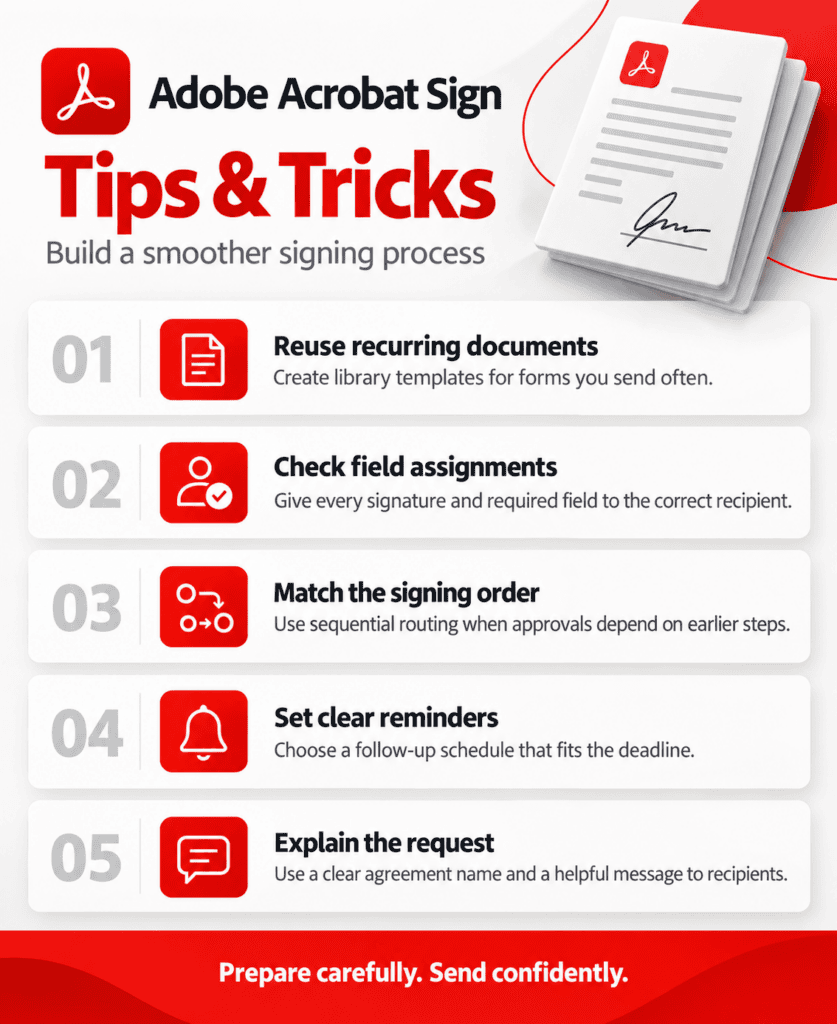
Map your business against two questions before choosing a plan: does anyone besides you need centrally managed access, and does your team need real PDF editing on a regular basis? A “no” to the first question means an individual plan is enough; a “no” to the second means a dedicated e-signature tool will almost certainly beat Adobe on price for the same signing volume. A “yes” to both is where Adobe Acrobat Sign earns its premium — consolidating two subscriptions most businesses would otherwise pay for separately into one, with integration depth that few standalone e-signature vendors can match. The transaction cap on Standard-tier plans is the detail most likely to force an unplanned upgrade, so count your actual annual signing volume before treating the advertised entry price as the number your business will pay. Adobe Acrobat Sign is covered as part of AppFinderX’s broader e-signature and legal software coverage, alongside the lighter-weight tools it’s most often weighed against.
Frequently Asked Questions
Is Adobe Sign the same product as Adobe Acrobat Sign? Yes — this Adobe Acrobat Sign review covers the rebranded product: Adobe folded e-signature fully into the Acrobat product line rather than selling it as a separate product called Adobe Sign.
What happens if a Standard-tier team exceeds its transaction limit? Standard team plans cap around 150 transactions per user per year; exceeding that limit typically requires upgrading to Pro or Studio, or negotiating a different contract term with Adobe directly.
Does Adobe Acrobat Sign offer a free plan? Not a free e-signature tier specifically — Adobe Acrobat Reader is free for viewing and basic signing of documents you receive, but sending documents for signature requires a paid Acrobat plan.
Is Adobe Acrobat Sign a good fit for a small business with no PDF editing needs? Generally, no. A business that only needs e-signature, with no recurring PDF editing requirement, will typically find a dedicated e-signature tool cheaper for the same signing volume.
How does monthly billing compare to annual billing for Adobe Acrobat Sign? Monthly, no-commitment billing typically costs 40–50% more than the equivalent annual plan paid monthly — for example, Acrobat Pro Individual moves from roughly $20 to $30 per month without an annual commitment.
Integrations
- HubSpot — send and track Acrobat Sign requests from HubSpot records without leaving the CRM.
- monday.com — trigger signature requests automatically from monday.com board items for teams managing contracts alongside project work.
- Airtable — generate signature requests from new or updated Airtable records for businesses managing client data in a database.
- Salesforce, Microsoft 365, and Workday — native, enterprise-grade integrations for sales, document, and HR workflows without third-party middleware.
Alternatives
- SignNow — a stronger fit for a business that wants e-signature priced on its own, without paying for bundled PDF editing.
- Jotform Sign — worth comparing for a business that would rather bundle signing with form-building than PDF editing.
- PandaDoc — the better choice for sales teams building proposals and quotes rather than editing existing documents.