Best Human Resources Software for Small Businesses
Payroll has to run correctly every single time, and a schedule that isn’t published clearly enough turns into a dozen text messages asking who’s working Friday. Human resources software exists to take both of those problems off an owner’s plate, but “HR software” actually covers two different jobs that don’t always live in the same tool: paying people correctly and staying compliant, and getting the right people scheduled and communicating day to day.
Our Top Picks
| Software |
Best For |
Standout Strength |
Full Review |
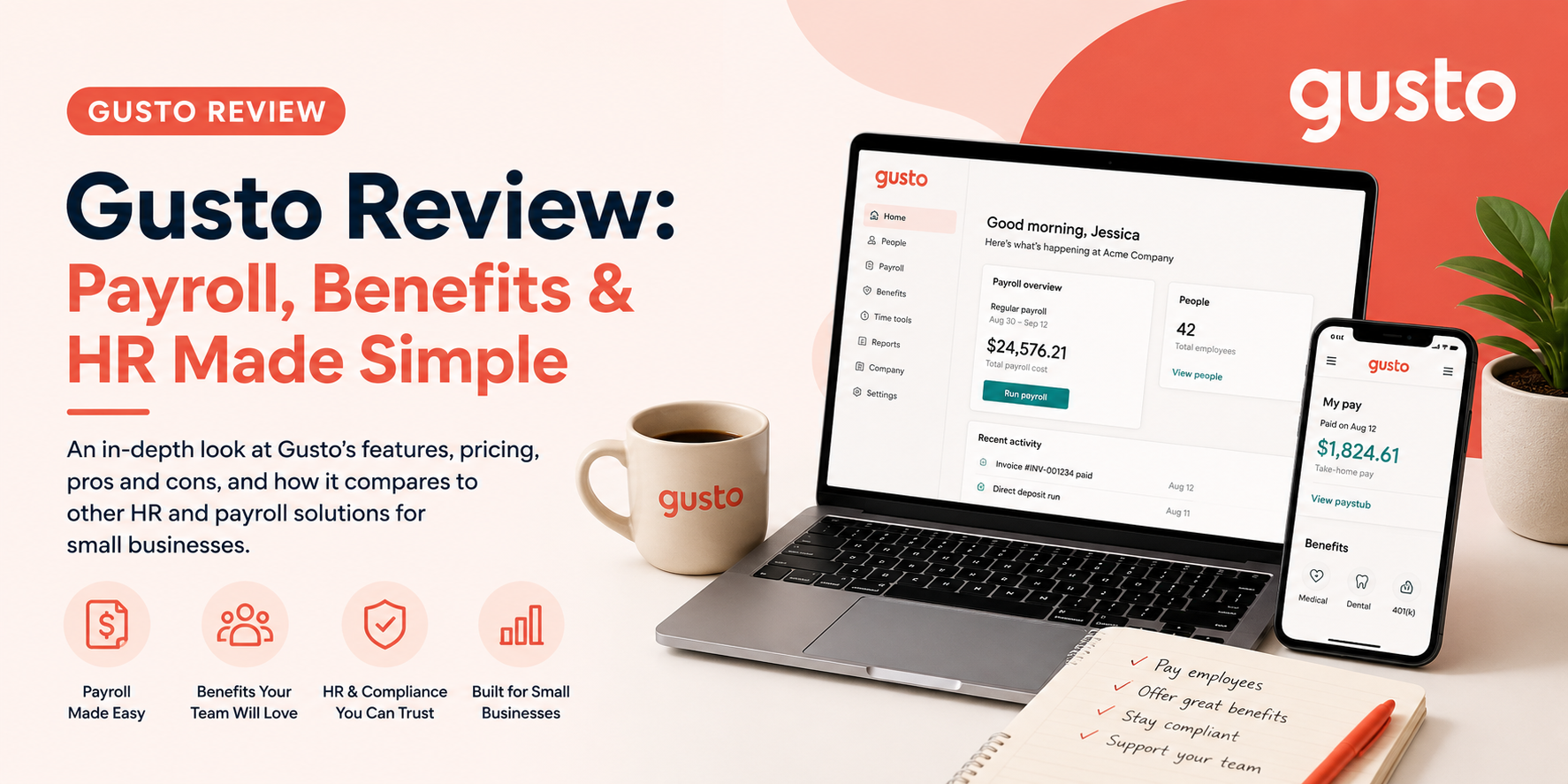
| Gusto |
Full payroll, benefits, and HR compliance |
Handles payroll tax filing and compliance automatically across states |
Read the review |
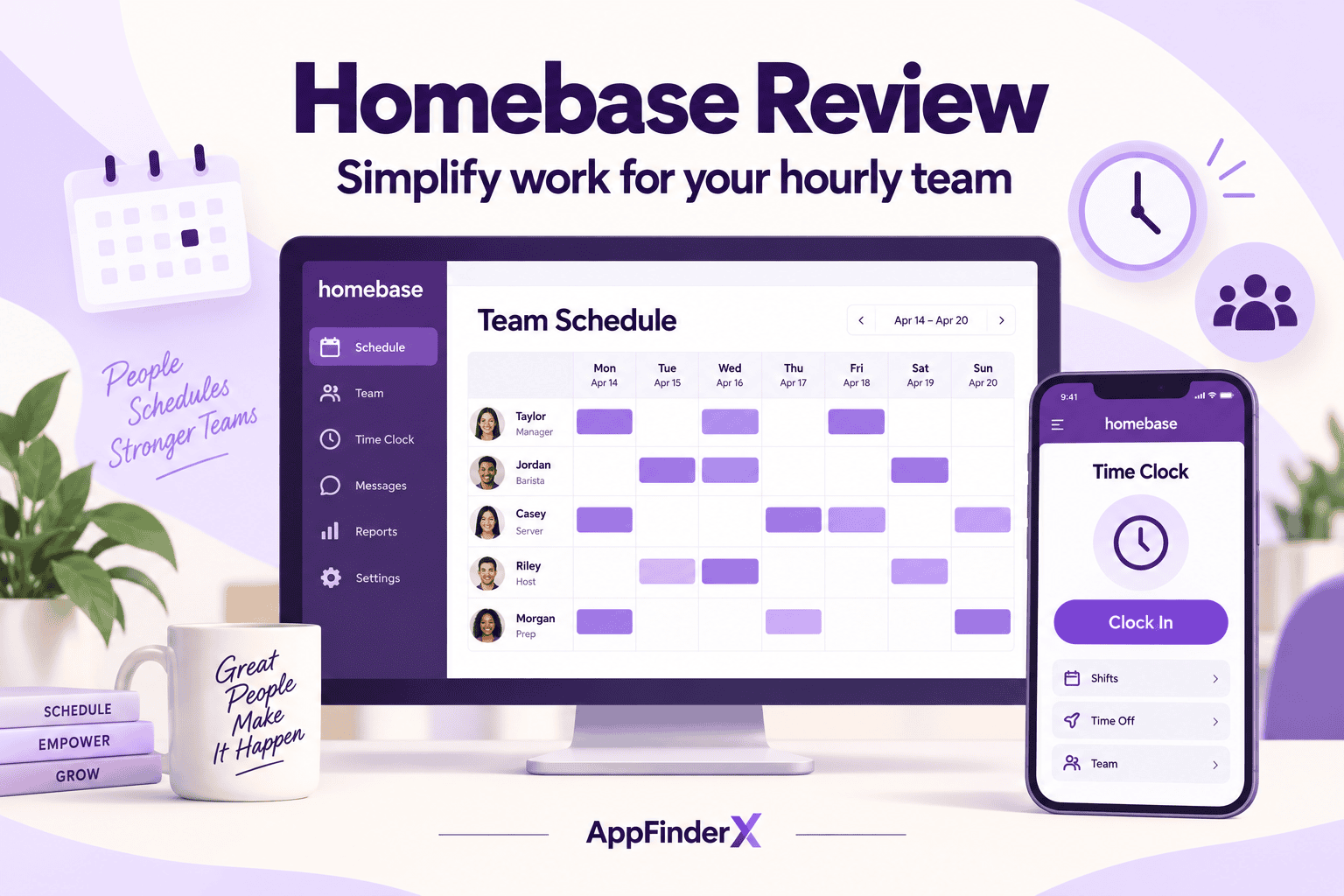
| Homebase |
Hourly teams needing scheduling and hiring in one place |
Combines scheduling, time tracking, and hiring tools built for shift-based businesses |
Read the review |
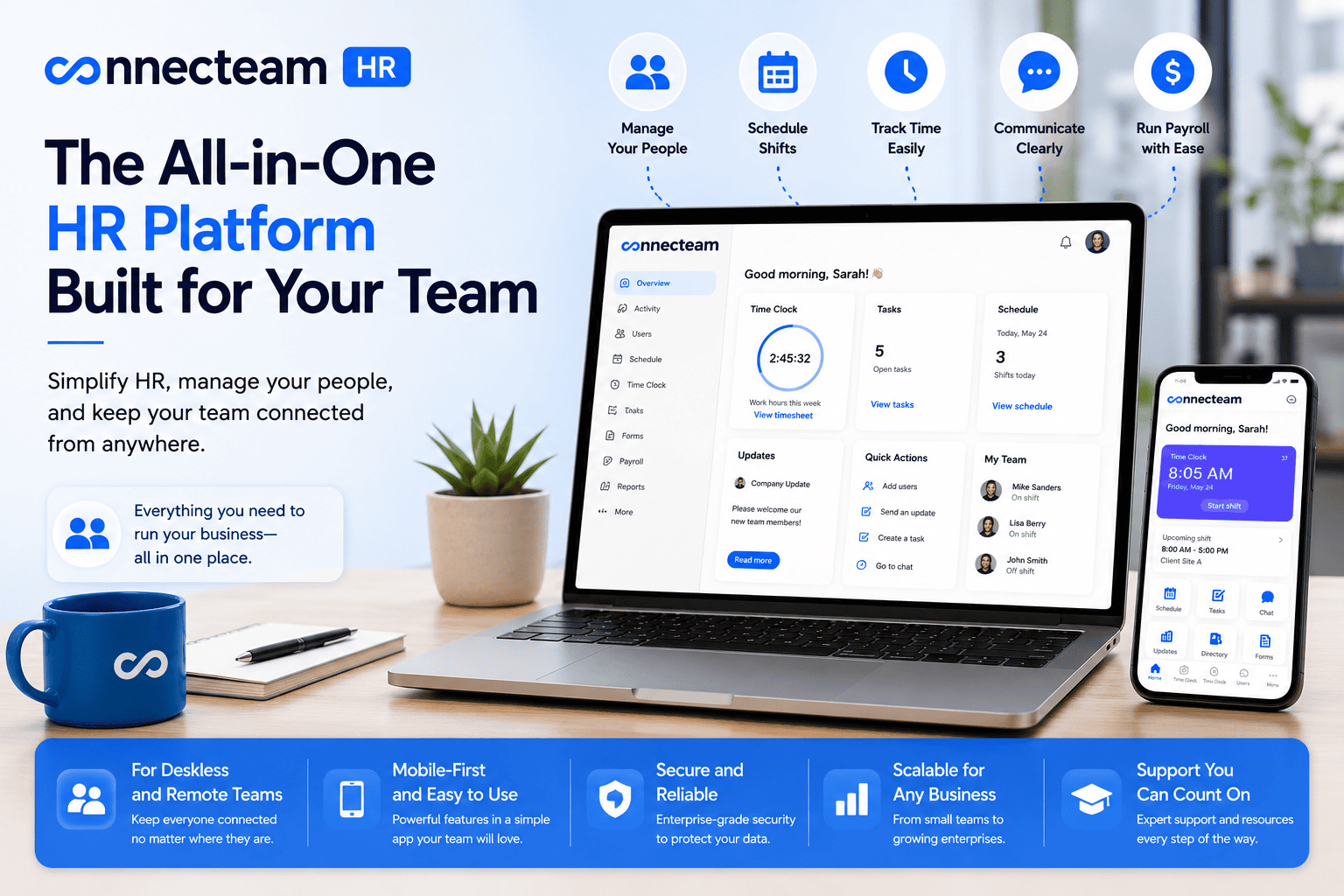
| Connecteam |
Deskless and mobile teams needing communication built in |
Scheduling, time tracking, and team chat in one mobile-first app |
Read the review |
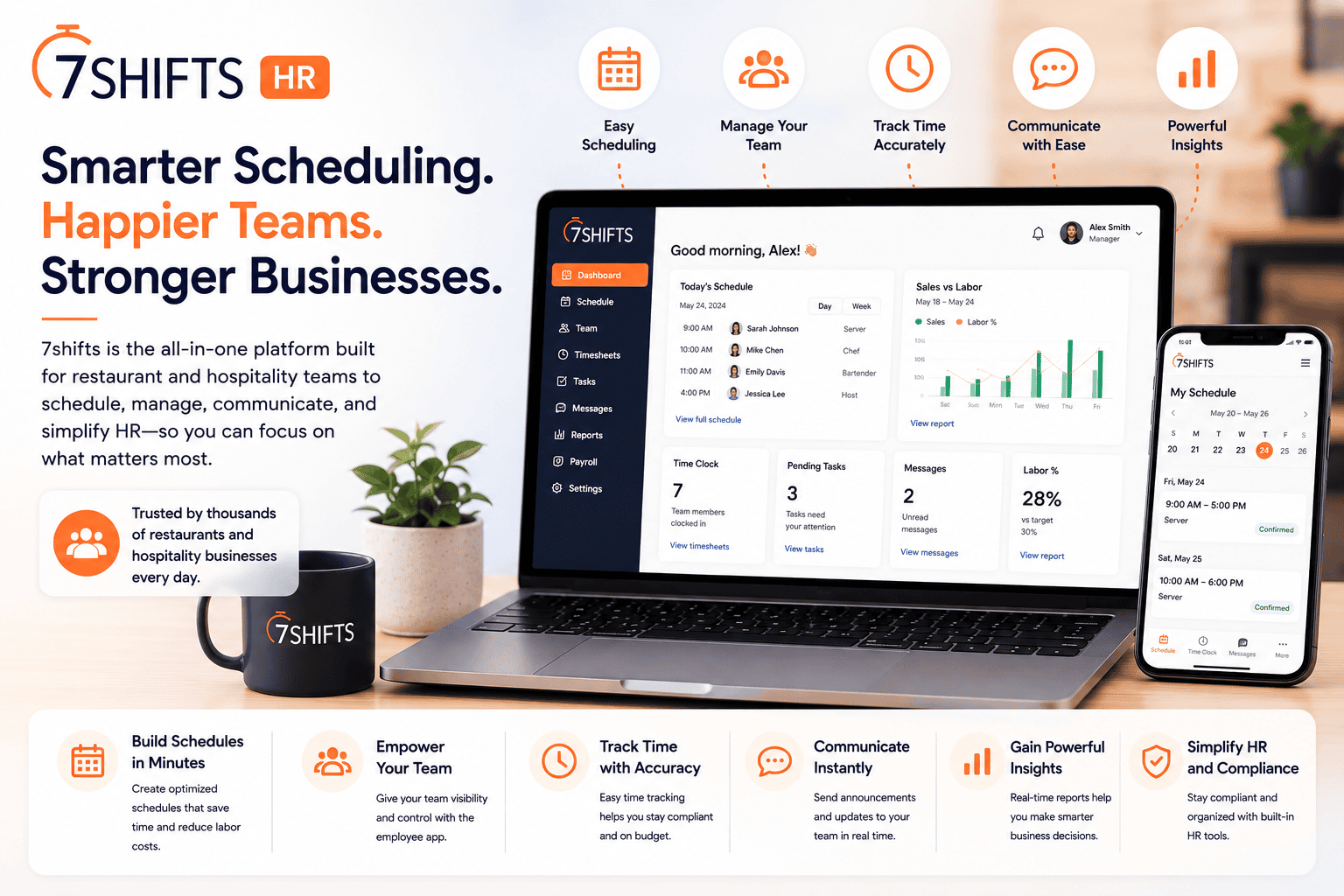
| 7shifts |
Restaurants and hospitality scheduling |
Scheduling built specifically around restaurant labor patterns and compliance |
Read the review |
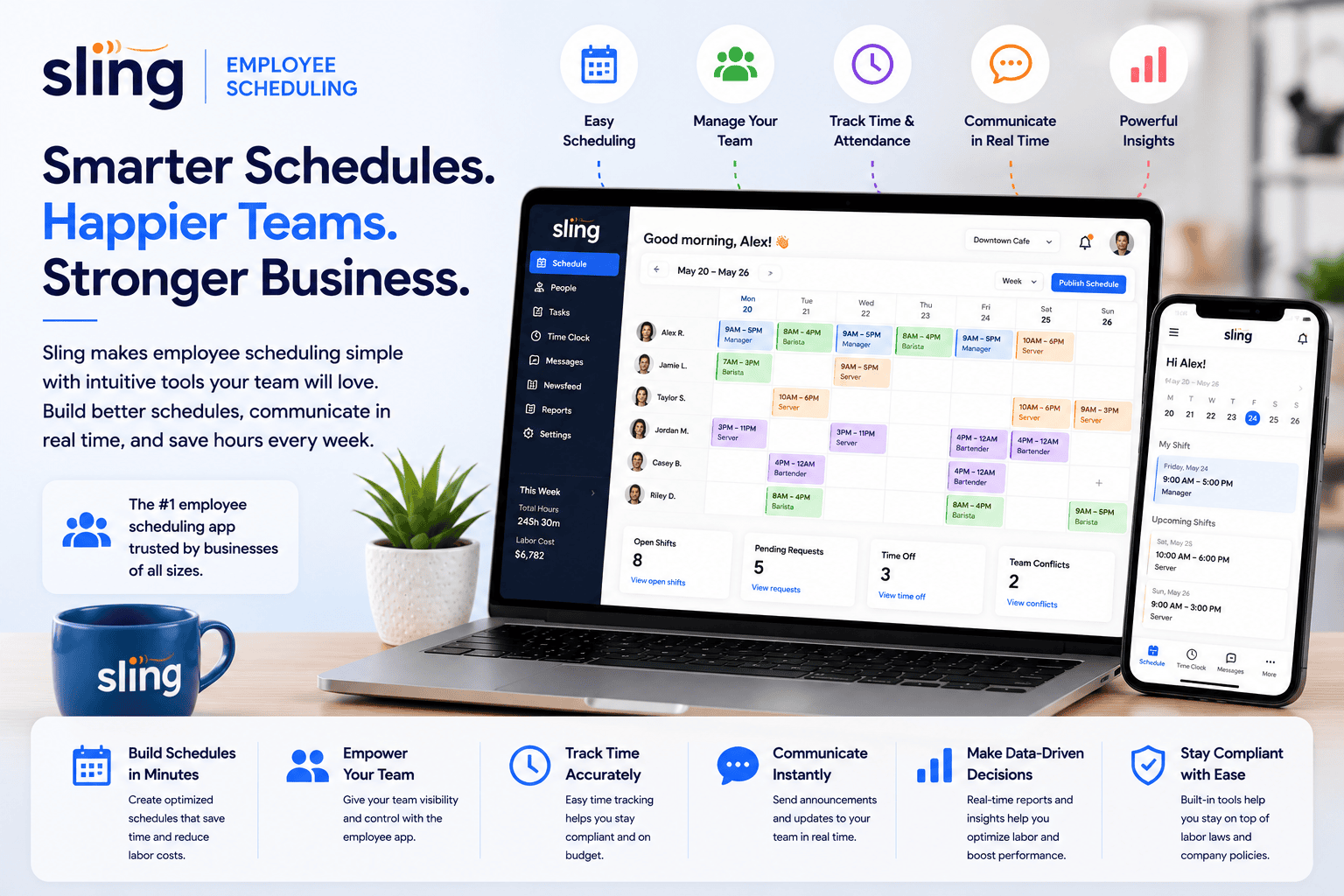
| Sling |
Straightforward employee scheduling |
A simple, affordable scheduling tool without extra HR features you may not need |
Read the review |
Best Payroll, Benefits & HR Compliance Platform
Gusto is the default recommendation for small business payroll — it automatically calculates, files, and pays payroll taxes across states, handles benefits administration, and manages the compliance paperwork (new-hire reporting, W-2s and 1099s) that’s easy to get wrong doing it manually. It’s the right foundation for any business with employees, regardless of whether you also need a separate scheduling tool on top of it. Read the full Gusto review.
Best All-in-One Hourly Workforce Management
Homebase combines shift scheduling, time tracking, and basic hiring tools in one platform built specifically around hourly, shift-based businesses — restaurants, retail, and similar teams that need to publish a schedule, track clock-ins, and post a job opening without three separate tools. Connecteam covers similar ground with a stronger emphasis on team communication, aimed at deskless and mobile teams who need scheduling, time tracking, and messaging in a single mobile-first app rather than a desktop-oriented one. Full reviews: Homebase, Connecteam.
Best Employee Scheduling Software
7shifts is purpose-built for restaurants and hospitality, with scheduling logic that understands labor patterns, tip pooling, and compliance rules specific to that industry in a way a generic scheduler doesn’t. Sling is the more general, budget-friendly option for a business that just needs reliable shift scheduling without industry-specific features it won’t use. Full reviews: 7shifts, Sling.
What to Look for in Human Resources Software
Whether you need payroll, scheduling, or both. These solve genuinely different problems, and it’s common — not a sign you’re overspending — to end up with a payroll platform and a separate scheduling tool rather than expecting one product to do both equally well.
Multi-state payroll and compliance support, if you have employees in more than one state. Tax filing requirements vary by state, and this is one area where getting it wrong has real financial and legal consequences, not just inconvenience.
Mobile access for hourly employees. If your team is mostly on the floor, in a kitchen, or on the road rather than at a desk, a scheduling tool’s mobile app quality matters as much as its desktop features — check it from an employee’s perspective, not just a manager’s.
Per-employee pricing at your real headcount. Most tools in this category price per active employee per month, which can add up meaningfully for a larger hourly team. Model your actual cost at current headcount, not the pricing page’s smallest example.
How We Evaluate Human Resources Software
This category page and its linked reviews are research-based, drawing on official pricing and documentation, independent user feedback, and third-party comparisons. We weigh payroll accuracy and compliance support, scheduling and time-tracking functionality for shift-based teams, mobile usability, pricing structure at realistic team sizes, and ease of use for a manager without dedicated HR staff.
All Human Resources Software Reviews
- Gusto Review — full-service payroll, benefits, and compliance.
- Homebase Review — scheduling, time tracking, and hiring for hourly teams.
- Connecteam Review — mobile-first workforce management with built-in team communication.
- 7shifts Review — scheduling built specifically for restaurants and hospitality.
- Sling Review — simple, affordable employee scheduling.