Best Industry-Specific Software for Small Businesses
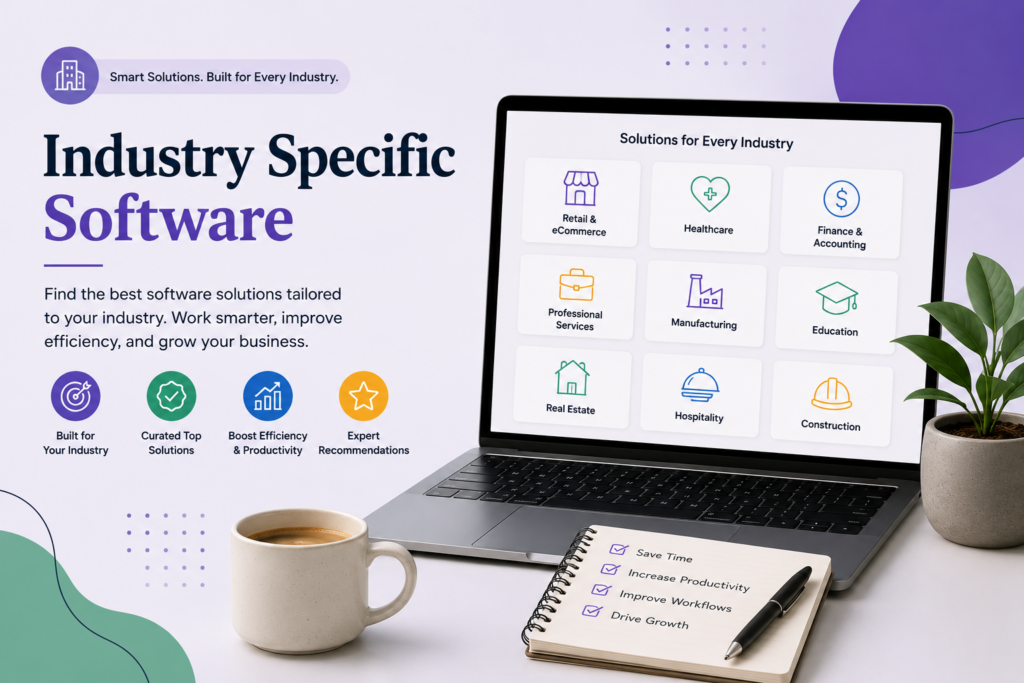
Some businesses don’t fit general-purpose software well, no matter how customizable it claims to be. A landlord doesn’t need a generic project management tool — they need lease tracking, tenant screening, and rent collection built in from day one. A contractor doesn’t need a generic CRM — they need job costing, change orders, and scheduling that understands what a construction project actually looks like. This page covers the industry-specific categories where a purpose-built tool beats a general one.
Our Top Picks
| Software | Industry | Best For | Full Review |
|---|
| DoorLoop | Real Estate & Property Management | Landlords and property managers wanting an all-in-one platform | Read the review |
| TurboTenant | Real Estate & Property Management | Small landlords wanting free core tools | Read the review |
| Buildertrend | Construction Management | General contractors and home builders managing full projects | Read the review |
| Contractor Foreman | Construction Management | Smaller contractors wanting a lower-cost alternative to Buildertrend | Read the review |
Best for Real Estate & Property Management
DoorLoop is the strongest all-in-one platform for a landlord or property manager who wants lease tracking, rent collection, maintenance requests, and accounting in one place rather than several disconnected tools. TurboTenant is the better starting point for a small landlord (one to a few units) who wants strong free tools — tenant screening and listing syndication in particular — before committing to a paid, full-featured platform. TenantCloud and Innago both compete in the same space with their own take on the same core jobs — tenant screening, rent collection, and maintenance tracking — and are worth comparing directly against DoorLoop and TurboTenant if either doesn’t fit your portfolio size or budget. Full reviews: DoorLoop, TurboTenant, TenantCloud, Innago.
Best for Construction Management
Buildertrend is the category leader for general contractors and home builders managing full projects end to end — scheduling, client communication, change orders, and budgeting built specifically around how a construction project actually unfolds. Contractor Foreman is the value-focused alternative, covering much of the same core functionality at a lower price point, making it a reasonable starting point for a smaller contractor who finds Buildertrend’s cost hard to justify at their current project volume. Full reviews: Buildertrend, Contractor Foreman.
What to Look for in Industry-Specific Software
Whether the tool actually understands your industry’s workflow, or just relabels a generic template. The whole point of industry-specific software is that it models your actual process — lease renewals, change orders, tenant screening — rather than forcing your business into generic “projects” and “tasks.” If a tool feels like a repurposed general PM tool with new terminology, it probably is one.
Compliance and legal-document support specific to your state or region. This matters especially for property management, where lease terms, screening rules, and disclosure requirements vary by state. Confirm a platform supports your specific jurisdiction before relying on its built-in templates.
Client- or tenant-facing features, not just internal ones. A property management platform’s tenant portal, or a construction platform’s client communication tools, often matters as much to your day-to-day experience as the internal project or lease management side.
Growth path. Some tools in this category price and scale well for a very small operation (a handful of units or projects) but get expensive or clunky at real scale, and vice versa. Buy for where your business will realistically be in a year or two, not just where it is today.
How We Evaluate Industry-Specific Software
This category page and its linked reviews are research-based, drawing on official pricing and documentation, independent user feedback, and third-party comparisons. We weigh how well each platform models its specific industry’s actual workflow, pricing structure at realistic portfolio or project sizes, client- or tenant-facing feature depth, and ease of use for an owner-operator without dedicated IT support.
All Industry-Specific Software Reviews
Real Estate & Property Management: DoorLoop · TurboTenant · TenantCloud · Innago
Construction Management: Buildertrend · Contractor Foreman