Best IT & Cybersecurity Software for Small Businesses
Small businesses tend to underinvest in this category until something goes wrong — a leaked password, an unsecured public Wi-Fi connection, a compliance requirement that shows up suddenly. The tools here cover two of the most common starting points: encrypting your team’s internet connection, and keeping shared passwords and credentials out of a spreadsheet.
Our Top Picks
| Software | Best For | Standout Strength | Full Review |
|---|
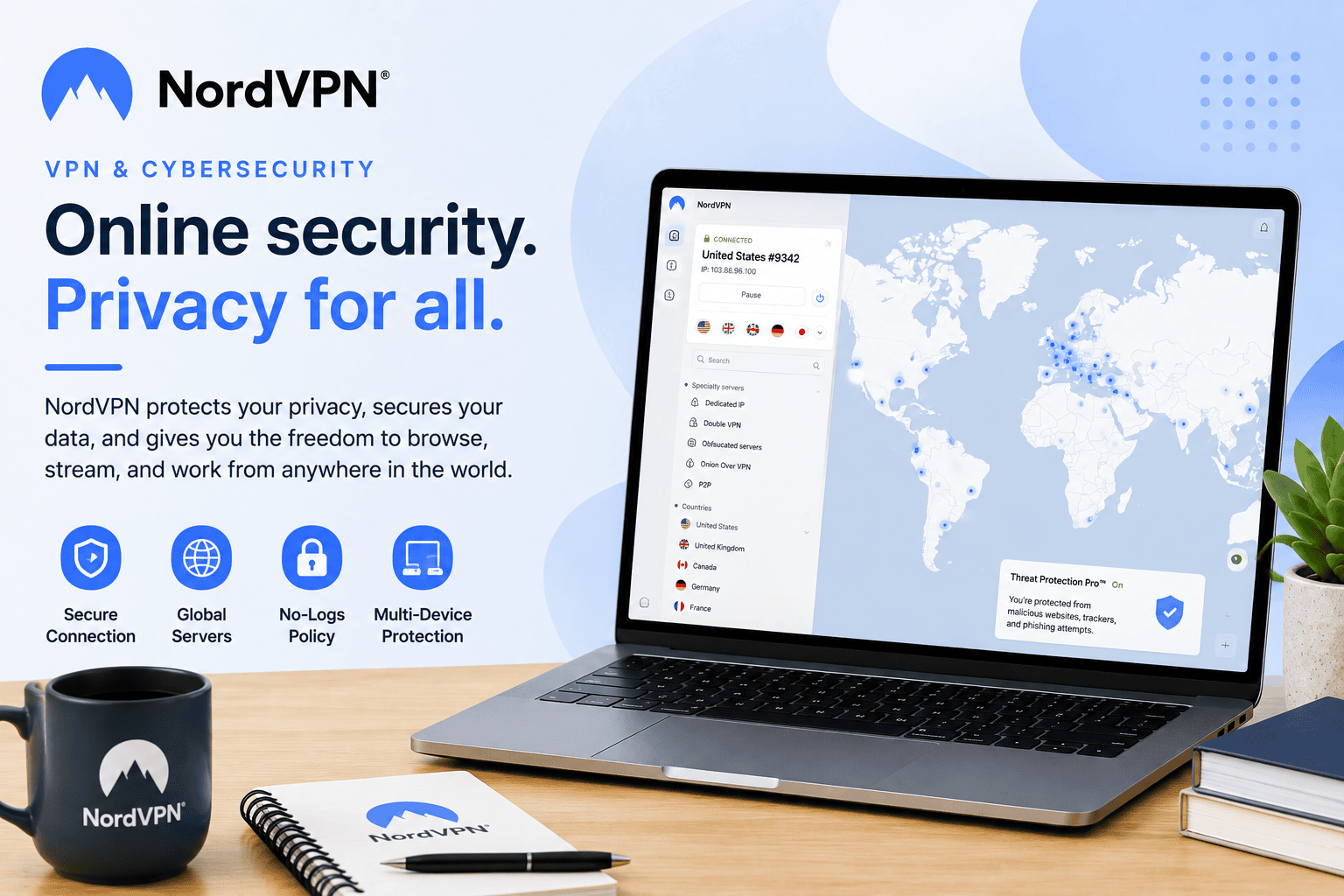
| NordVPN | Overall VPN speed and server network size | One of the largest server networks with consistently strong speed test results | Read the review |
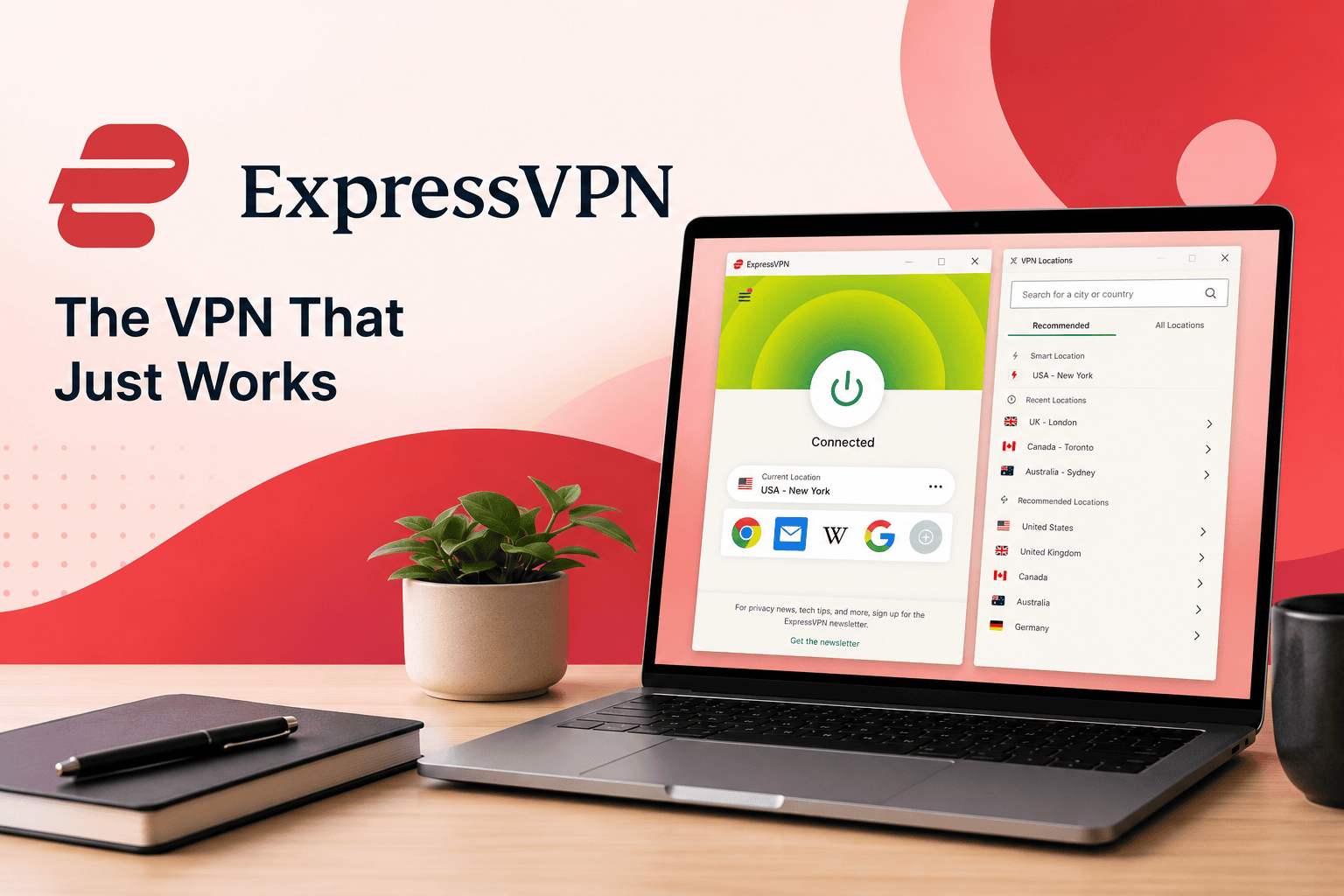
| ExpressVPN | Simplicity and cross-platform reliability | Consistently rated among the easiest VPNs to set up and trust | Read the review |
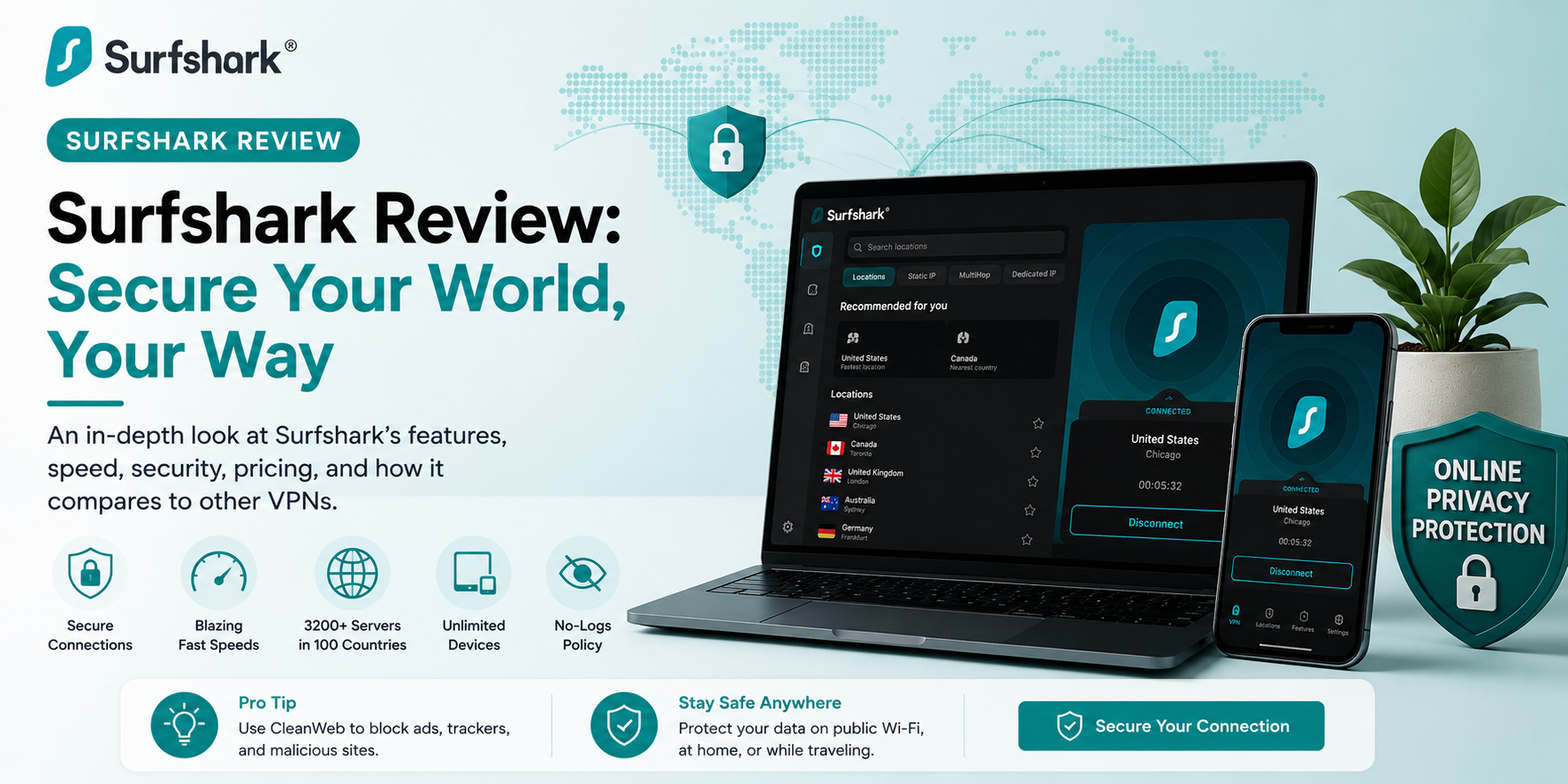
| Surfshark | Budget-conscious teams with multiple devices | Unlimited simultaneous device connections on a single plan | Read the review |
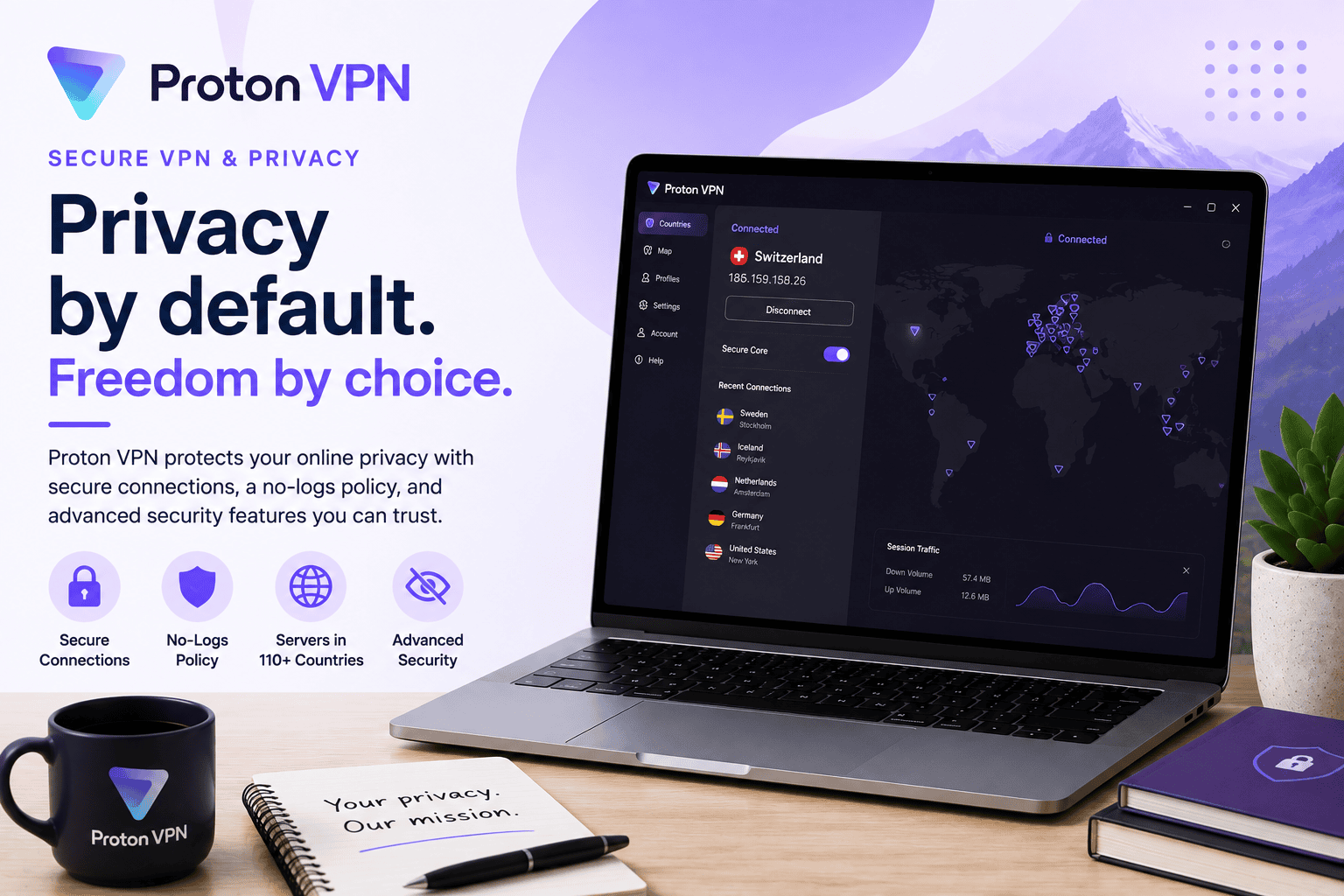
| Proton VPN | Privacy-first teams wanting an independently audited provider | Built by the team behind Proton Mail, with a strong privacy-first reputation | Read the review |
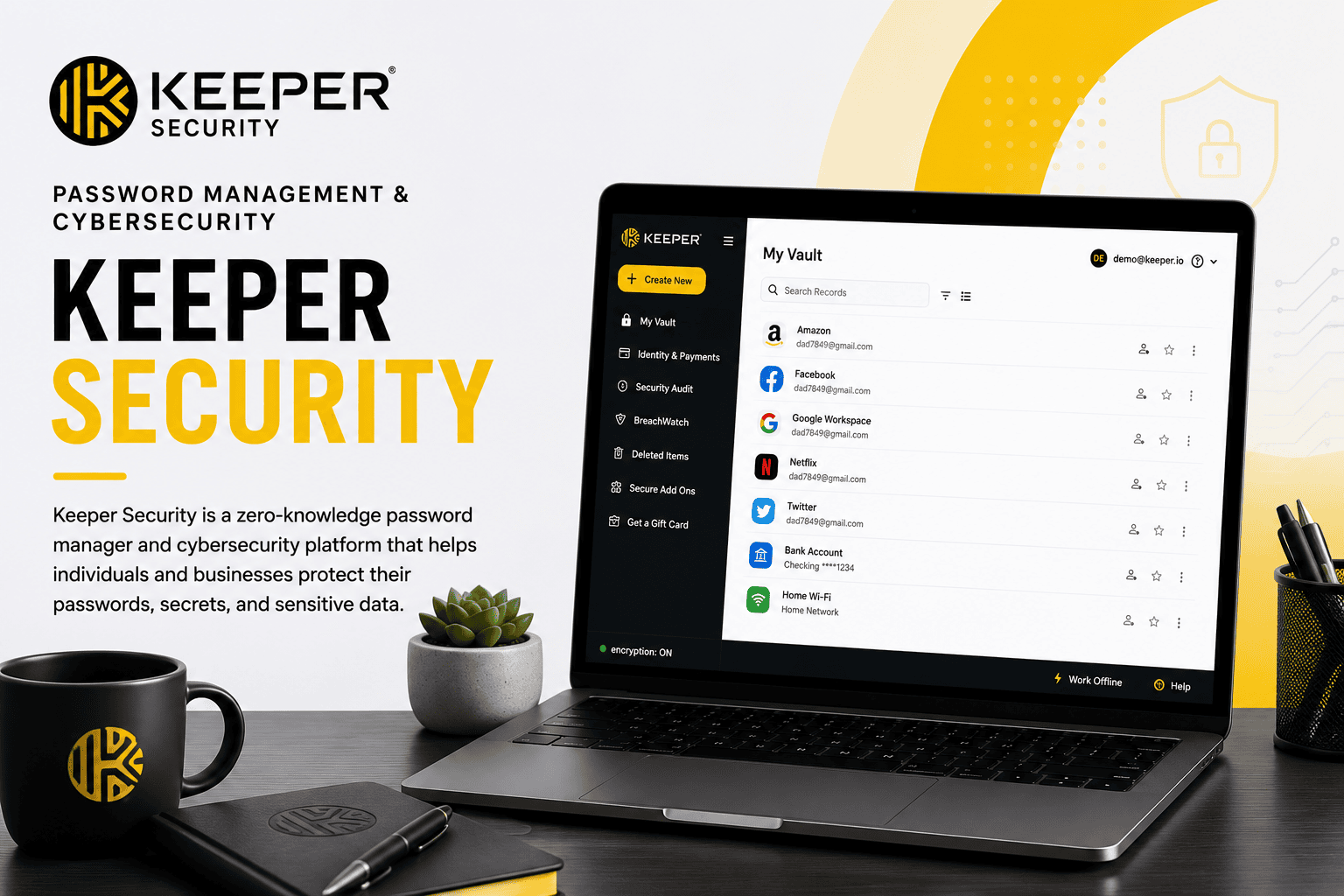
| Keeper Security | Team password and credential management | Strong admin controls for securely sharing credentials across a team | Read the review |
Best VPNs for Small Business Teams
All four VPNs on this page will meaningfully improve on an unencrypted connection, so the real decision comes down to what your team prioritizes. NordVPN is the strongest all-around pick on raw performance — a large server network and consistently competitive speeds, useful for a distributed team regularly working from different locations or networks. ExpressVPN trades a small amount of NordVPN’s server-count advantage for what’s generally considered the simplest, most reliable setup across different devices and operating systems — a reasonable priority for a small team without dedicated IT support. Surfshark is the value pick, notably allowing unlimited simultaneous devices on a single subscription rather than charging per device or per user, which matters for a small business equipping a whole team without a per-seat VPN budget. Proton VPN is the choice for a team that weighs an independently audited, privacy-first reputation above marginal speed differences — from the same company behind Proton Mail. Full reviews: NordVPN, ExpressVPN, Surfshark, Proton VPN.
Best Password & Credential Management
Keeper Security addresses a different, arguably more urgent risk than any VPN on this page: shared passwords living in a spreadsheet, a sticky note, or a group chat. It provides encrypted password storage with admin controls for securely sharing credentials across a team, revoking access when someone leaves, and enforcing stronger password practices without relying on individual willpower. For a small business with any shared logins at all — social media accounts, software subscriptions, vendor portals — this is often a more immediately impactful purchase than a VPN. Read the full Keeper Security review.
What to Look for in IT & Cybersecurity Software
What risk you’re actually addressing. A VPN protects your connection on untrusted networks; it does nothing for weak or shared passwords. A password manager solves the opposite problem. Most small businesses eventually need both, but they solve different risks and shouldn’t be treated as interchangeable.
Number of devices and users covered. Per-device VPN pricing can get expensive fast for a team; confirm whether a plan covers your actual device count (including phones and personal devices used for work) before comparing sticker prices.
No-logs policies and independent audits. For a VPN specifically, claims about not logging user activity are only as good as whether they’ve been independently verified. Providers that publish third-party audit results are making a more credible claim than those that don’t.
Admin controls and offboarding, for password management specifically. The ability to instantly revoke a departing employee’s access to shared credentials is often the single most important feature in this category — more important day-to-day than encryption strength, which is table stakes across reputable providers.
How We Evaluate IT & Cybersecurity Software
This category page and its linked reviews are research-based, drawing on official documentation and pricing, independent speed and security testing where publicly available, and user feedback. We weigh core security and performance for the tool’s specific job, pricing at realistic team sizes, ease of setup and management for a non-technical team, and — for VPNs specifically — publicly available audit and no-logs verification.
All IT & Cybersecurity Software Reviews