Best Project Management & Productivity Software for Small Businesses
The right project management tool depends less on team size than on how your team actually thinks about work — visually in boards, hierarchically in lists and docs, or around a calendar and deadlines. This page groups tools by that distinction rather than by price alone, since the wrong fit here tends to get abandoned within a few months no matter how capable it is on paper.
Our Top Picks
| Software |
Best For |
Standout Strength |
Key Tradeoff |
Full Review |
| ClickUp |
Teams wanting maximum customization in one tool |
Extremely configurable views, fields, and workflows |
Can feel overwhelming to set up compared to simpler tools |
Read the review |
| Asana |
Cross-functional teams coordinating shared work |
Clean, modern interface with low onboarding friction |
Pricier per seat than budget-focused competitors |
Read the review |
| Trello |
Simple visual task boards |
The lowest learning curve of any tool on this page |
Thin on features once projects get complex |
Read the review |
| Zoho Projects |
Budget-conscious teams needing real PM depth |
Time tracking and budgeting included at a low starting price |
Dated interface compared to newer competitors |
Read the review |
| Motion |
AI auto-scheduling around a busy calendar |
Actively rebuilds your day around deadlines as your schedule changes |
No free plan, meaningfully pricier than task-list competitors |
Read the review |
Best for Visual, Simple Task Boards
Trello remains the easiest tool in this category to hand a new team member and have them contribute within minutes — a Kanban board of cards moving through columns, with automation (“Butler”) available once you want to reduce manual busywork. It’s the right starting point for a small team that finds most project management software overbuilt for what they actually need, and the wrong choice once projects involve real dependencies, budgets, or reporting. Read the full Trello review.
Best Highly Customizable, All-in-One Tools
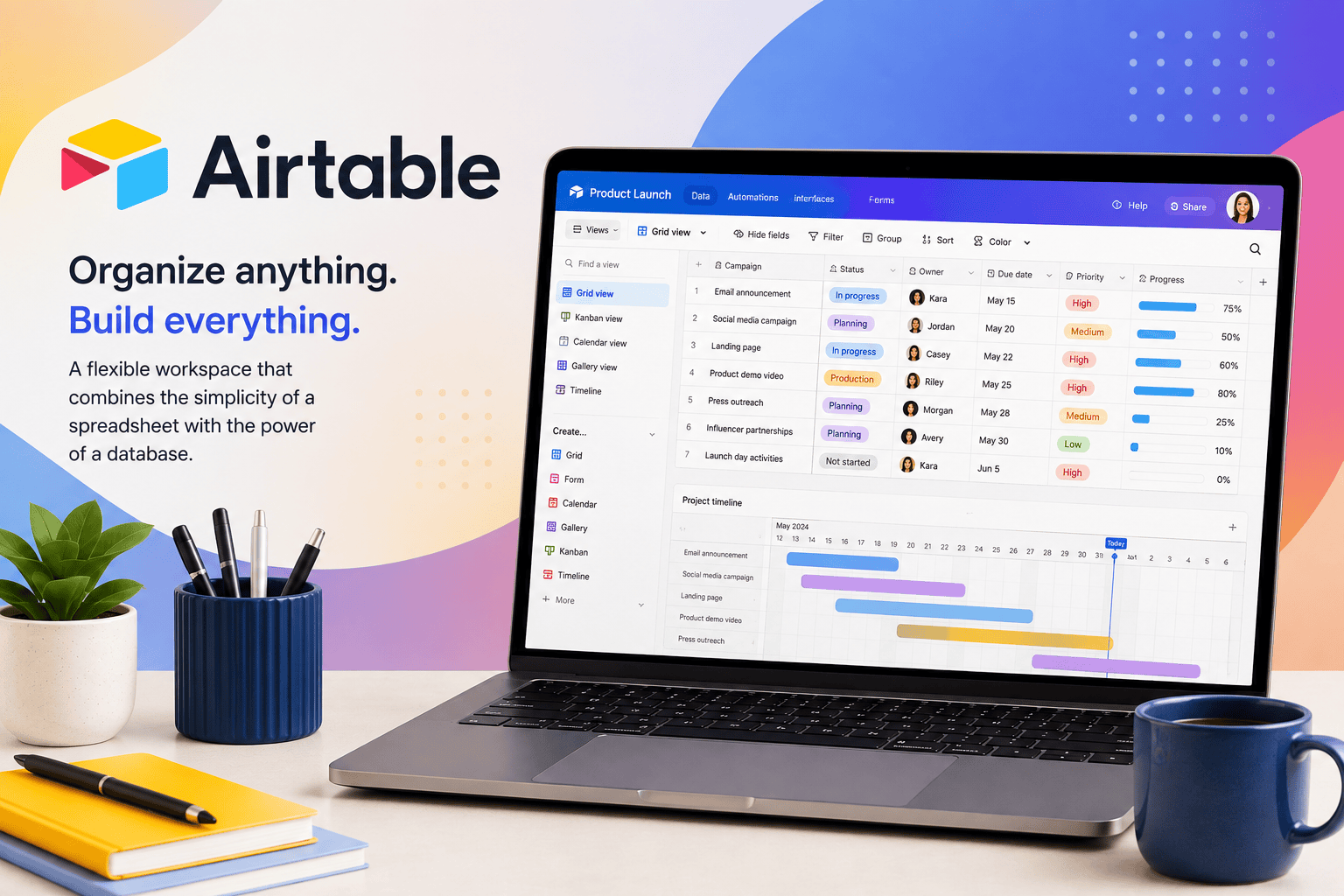
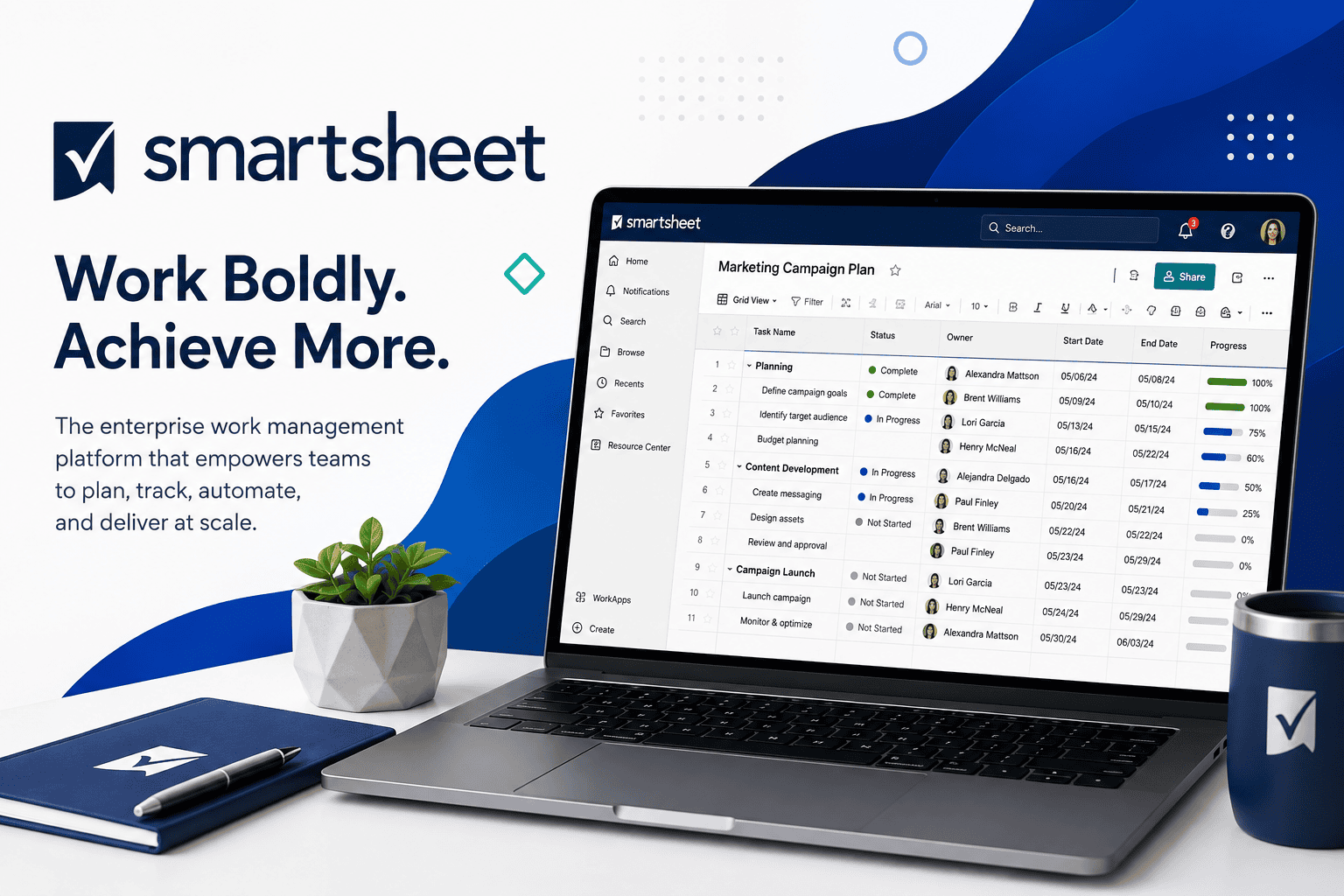
ClickUp leans hard into configurability — custom views, fields, automations, and docs inside one platform, aimed at teams willing to spend setup time in exchange for a tool that can be shaped around their exact workflow rather than the other way around. Notion and Airtable both serve a similar “build it your way” philosophy from different angles: Notion as a flexible docs-and-database workspace that can absorb project management as one of several jobs, and Airtable as a spreadsheet-database hybrid that’s especially strong when project data needs to be filtered, related, and reported on in custom ways. Smartsheet rounds out this group for teams that think in structured, spreadsheet-like project plans (particularly common in operations and construction-adjacent work) and need robust reporting on top of that structure. Full reviews: ClickUp, Notion, Airtable, Smartsheet.
Best for Cross-Functional Team Collaboration
Asana is the strongest pick when multiple departments need to coordinate on shared work without each team needing deep training first — its interface consistently ranks among the easiest to onboard non-technical teams onto. Teamwork is a closer fit for client-services businesses (agencies, consultancies) that need to track billable time and client-facing project status alongside internal task management. Full reviews: Asana, Teamwork.
Best Budget Option With Real PM Depth
Zoho Projects is the pick for a cost-conscious team that still needs genuine project management functionality — time tracking, budgeting, and Gantt charts included at a lower starting price than most competitors charge for the same features as add-ons. The tradeoff is a less modern interface, and it’s a stronger fit if you’re already using other Zoho products. Read the full Zoho Projects review.
Best for Personal Task Management
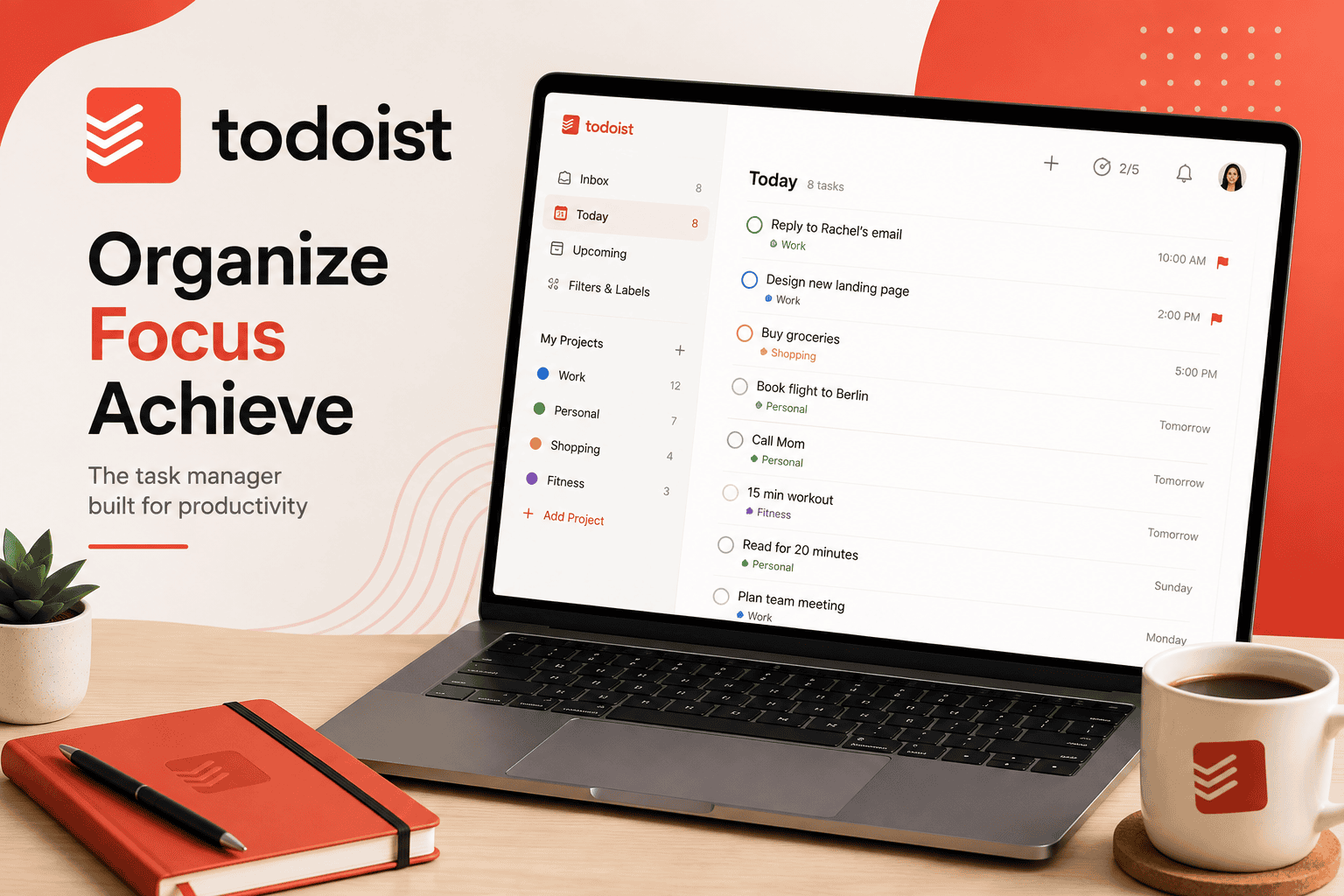
Todoist is built for individual task tracking rather than team project management — fast natural-language task entry, reliable cross-platform sync, and reminders that most people upgrade specifically to unlock. It’s the right tool for a solo owner or freelancer managing their own workload, not a team coordinating shared projects. Read the full Todoist review.
Best for AI-Driven Scheduling
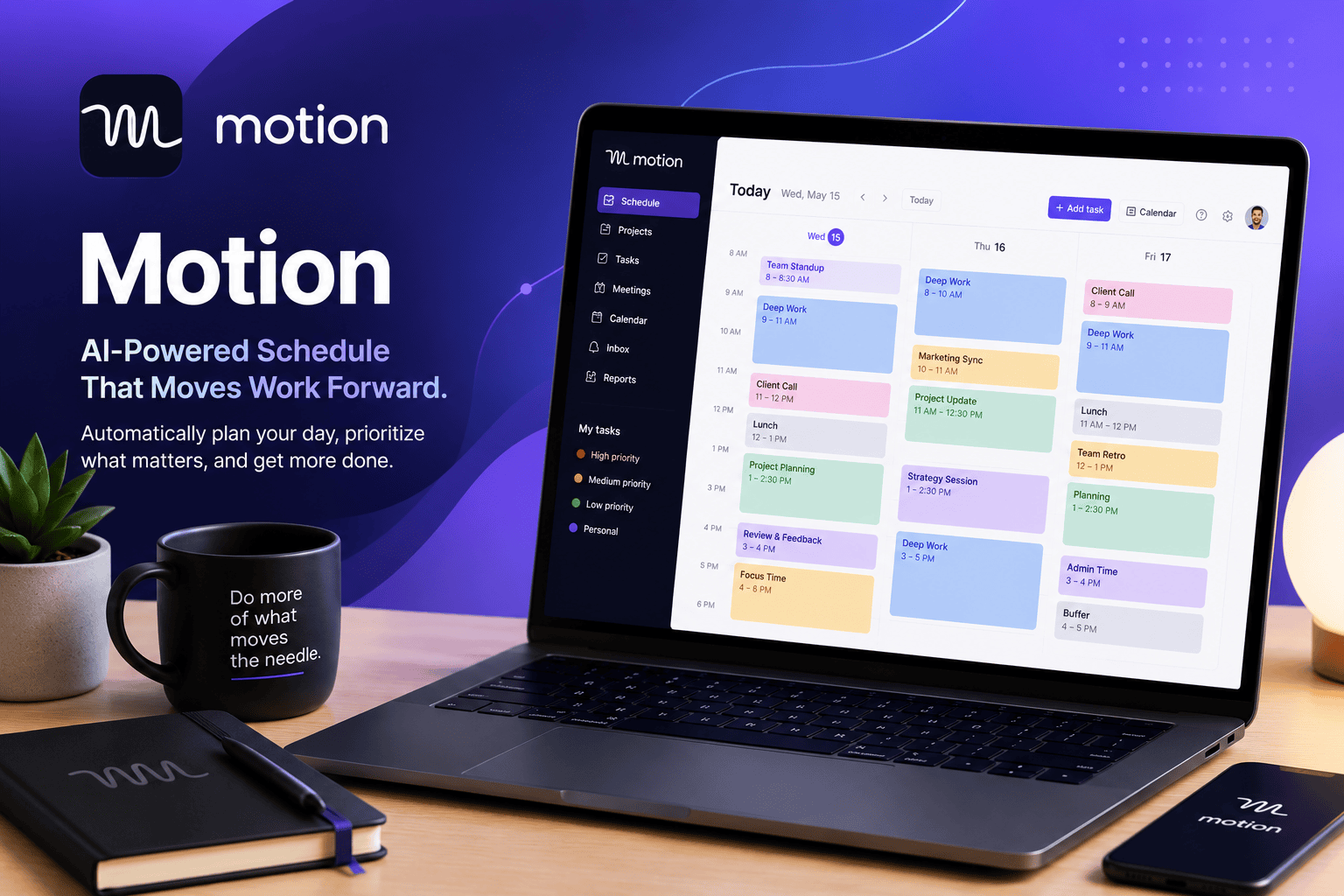
Motion solves a different problem than every other tool on this page: rather than a list or board you manage yourself, it actively places your tasks onto your calendar and reschedules them automatically as your day changes. It’s the right fit specifically for people whose bottleneck is finding time for their tasks around an unpredictable schedule, and a poor fit for anyone who wants to control their own calendar. Read the full Motion review.
What to Look for in Project Management Software
How your team actually thinks about work, not which tool has the most features. A team that thrives on visual boards will fight a list-based tool indefinitely, regardless of its capability.
Onboarding time for new team members. The most powerful tool in the category is worthless if half your team avoids using it because it’s confusing. Weigh setup complexity against your team’s actual tolerance for learning new software.
Reporting and visibility needs, especially for a manager who needs to see workload and progress across the whole team without asking for status updates. Not every tool on this page handles that equally well.
Total cost at your actual team size, including any features (time tracking, advanced reporting, automation) that are gated to higher tiers on a per-seat basis. A tool that looks cheap at your current headcount can get expensive fast as you grow.
How We Evaluate Project Management Software
This category page and its linked reviews are research-based, drawing on official pricing and documentation, independent user feedback, and third-party comparisons. We weigh core task and project functionality, ease of onboarding for a non-technical team, pricing structure and realistic total cost, reporting and visibility features, and integration depth with common small-business tools.
All Project Management & Productivity Software Reviews