Adobe Creative Cloud Review: The Industry Standard — And What the 2025 Price Hike Means for Small Business Budgets
For anyone doing serious graphic design, photo editing, or video production, Adobe isn’t really competing for your attention — it’s the baseline everyone else gets compared against. Photoshop, Illustrator, Premiere Pro, and InDesign remain the tools clients expect you to know, the file formats agencies expect you to open, and the skills job postings expect you to list. Creative Cloud bundles more than 20 of these professional apps into one subscription, with cloud storage, Adobe Fonts, and increasingly capable generative AI (Firefly) built across the suite.
That industry-standard status comes at industry-standard cost, and 2026 reviewers are specifically candid about a real, consequential pricing change: Adobe raised US pricing significantly in June 2025, automatically upgrading existing subscribers to a pricier “Pro” tier bundled with AI features many hadn’t asked for. In this article, we’ll cover what Creative Cloud actually includes, what reviewers and real users say about it, how to choose the right plan, and the tips that help a small business control costs on a genuinely powerful but genuinely expensive platform.
What Is Adobe Creative Cloud?
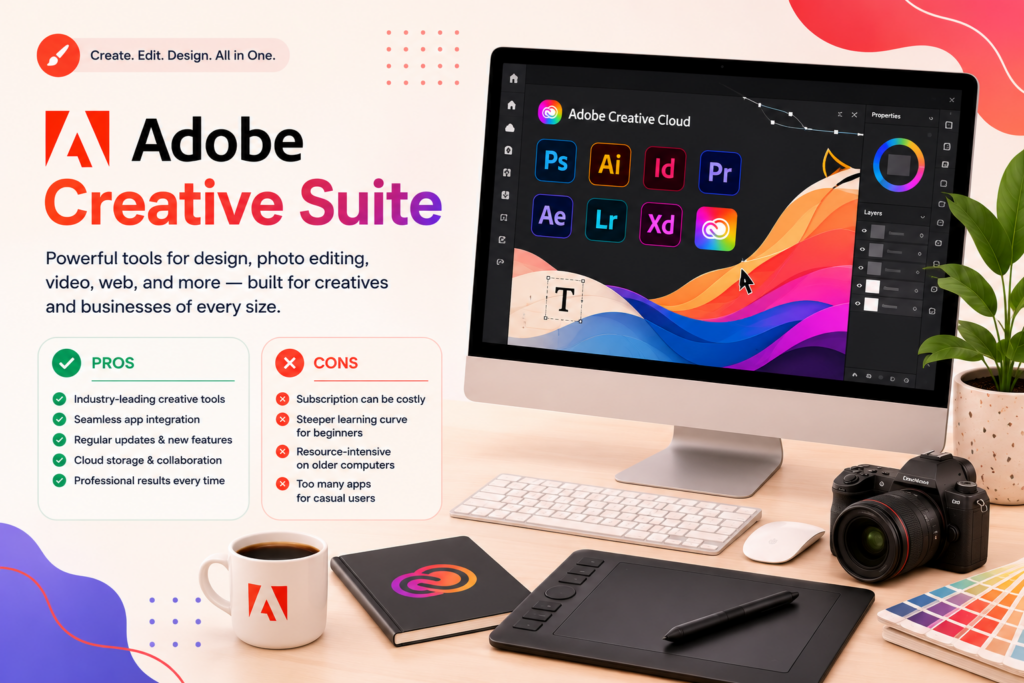
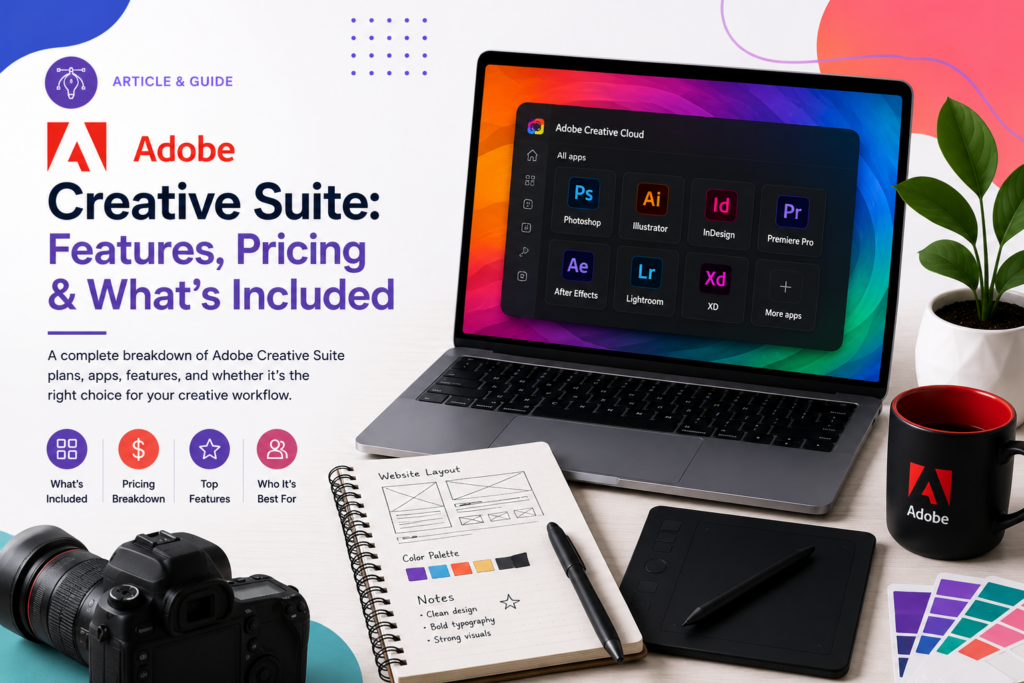
Adobe Creative Cloud is a subscription-based ecosystem of more than 20 creative applications, including Photoshop (raster image editing and digital art), Illustrator (vector graphics and logo design), Premiere Pro and After Effects (video editing and motion graphics), InDesign (print and publication layout), Lightroom (photo editing and organization), Acrobat (PDF tools), and Firefly, Adobe’s commercial-safe generative AI trained on licensed Adobe Stock images rather than scraped web content — a meaningful distinction for businesses concerned about copyright risk in AI-generated assets.
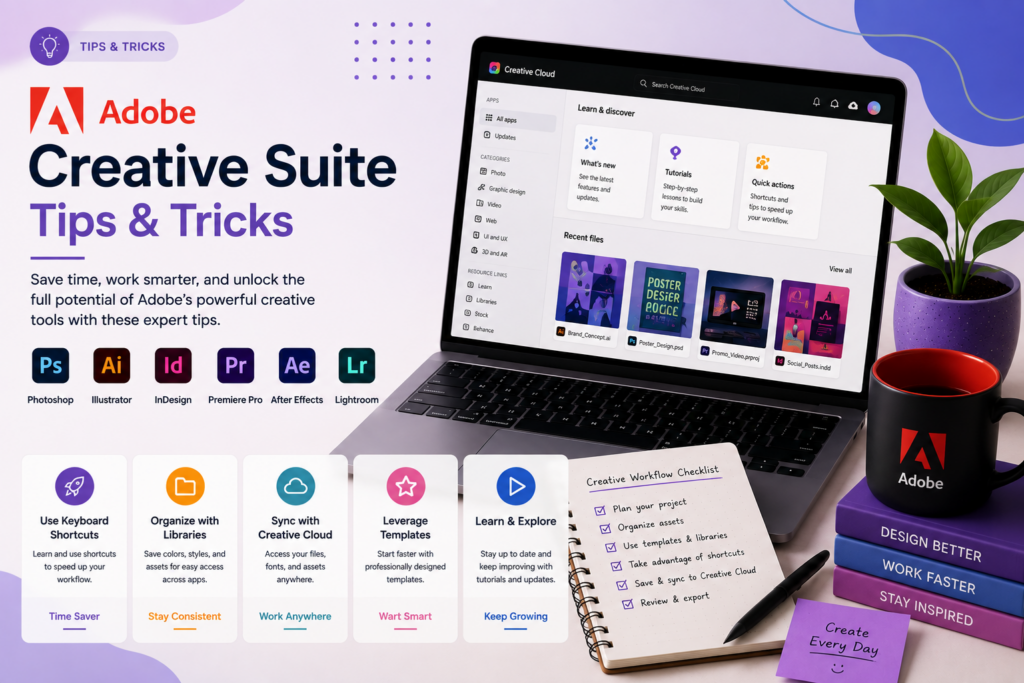
The platform’s core value proposition is deep, seamless integration across apps: Creative Cloud Libraries let you share colors, fonts, and assets across Photoshop, Illustrator, and InDesign simultaneously, keeping branding consistent across a project without manually re-exporting and re-importing files between programs. Cloud storage and cross-device sync mean work started on desktop can continue on mobile or web. The subscription model also means continuous updates — new features and AI tools roll out regularly rather than requiring a new purchase every few years, which was the norm under Adobe’s older perpetual-license model.
Pricing structures multiple ways to buy in. Single-app plans (Photoshop, Illustrator, Premiere Pro, or InDesign individually) run around $22.99/month each on an annual commitment, billed monthly. The Photography Plan, bundling Photoshop and Lightroom, is commonly the best value for photographers at around $19.99/month. All Apps — the full 20+ app bundle — is where 2026’s most significant pricing story lives: Adobe raised US pricing meaningfully in June 2025, automatically shifting existing subscribers to a new “Pro” tier bundled with expanded Firefly AI generation credits, with reviewers citing the new All Apps rate at roughly $59.99–69.99/month, up from a prior rate closer to $54.99/month — and notably, this upgrade happened automatically for existing customers rather than as an opt-in choice. A lower-cost, non-Pro “Standard” tier reportedly remains available at closer to the previous pricing for customers who don’t need the expanded AI credits, though it requires actively selecting it rather than accepting the default.
Adobe Creative Cloud Is Best For
- Professional graphic designers, photographers, video editors, and agencies needing industry-standard tools
- Businesses that regularly exchange files with clients or partners who expect Adobe-native formats (PSD, AI, INDD)
- Teams needing more than three of Adobe’s individual apps, where All Apps becomes cheaper than stacking single-app subscriptions
- Anyone wanting commercial-safe generative AI (Firefly) integrated directly into their existing design workflow
Not recommended for:
- Freelancers, students, or very small businesses on a tight budget who only need one or two core functions
- Businesses that rarely use most of the 20+ bundled apps — several reviewers specifically flag paying for unused capacity as a common complaint
- Teams needing the absolute lowest cost and willing to sacrifice some industry-standard compatibility (Affinity’s one-time-purchase suite is a common alternative reviewers cite)
- Anyone uncomfortable with a subscription-only model, since Adobe no longer offers perpetual licenses for its core professional apps
At a Glance
| Best For | Professional designers, photographers, and creative agencies |
| Starting Price | Single app ~$22.99/mo; All Apps ~$59.99–69.99/mo (post-2025 pricing) |
| Free Trial | Available on most plans (confirm current length directly) |
| Mobile App | iOS and Android versions of core apps (Photoshop, Lightroom, Express) |
| AI Features | Firefly generative AI — commercial-safe, included across apps |
| Ease of Use | Real learning curve on professional tools (especially After Effects) |
| Integrations | Deep native integration across Adobe’s own app suite (Libraries, sync) |
Pros & Cons
Pros
- Industry-standard software that’s expected by clients, agencies, and most creative job postings
- Seamless cross-app integration through Creative Cloud Libraries keeps branding consistent
- Firefly generative AI is commercial-safe, trained on licensed images rather than scraped web content
- Continuous updates included in the subscription, no separate purchase needed for new features
- All Apps bundle becomes cost-effective once you’re using more than two or three individual apps regularly
Cons
- June 2025 US price increase automatically upgraded existing subscribers to a pricier “Pro” tier
- Subscription-only model — no perpetual license option for core professional apps
- Genuinely expensive for freelancers, students, or small businesses with narrow, single-function needs
- Resource-intensive apps (especially Premiere Pro, After Effects) can cause slowdowns on less powerful hardware
- Reviewers consistently note paying for unused apps within the bundle as a common source of frustration
Adobe Creative Cloud Review: What Reviewers and Real Users Are Saying
Reviewers are consistent that Creative Cloud remains the industry’s technical benchmark, while being increasingly direct about the real financial burden of that position, particularly after 2025’s pricing changes. GAX Online’s review confirms the platform doesn’t just match a feature checklist — it changes how a creative team operates, thanks to deep cross-app integration — while stating the honest catch plainly: All Apps pricing is genuinely expensive, credible alternatives like Figma (for UI), Affinity (for desktop), and CapCut (for video) keep improving, and the subscription-only model continues to frustrate buyers who remember perpetual licenses.
DigitaLicence’s detailed cost-comparison review is the most direct source on the 2025 pricing shift, confirming Adobe’s official 2026 US pricing lists Creative Cloud Pro at $69.99/month (roughly $840/year) following a significant June 2025 increase that came with an automatic upgrade to the Pro tier for existing subscribers — while noting a lower-cost “All Apps” option around $299.99/year reportedly still exists for those who actively select it over the new default, representing meaningful annual savings for budget-conscious freelancers and small businesses who don’t need the expanded AI generation credits bundled into Pro. Their broader framing is useful for small business budgeting specifically: for a freelancer billing $30,000–80,000 per year, every few hundred dollars saved on software translates directly into runway for marketing, equipment, or emergency reserves — a reason to actively evaluate which tier and which apps you truly need rather than accepting Adobe’s default recommendation.
OffersEye’s hands-on review offers a useful real-world cost comparison many small businesses will recognize: after previously paying separately for Photoshop, Illustrator, InDesign, and Acrobat Pro individually (totaling nearly $92/month), switching to All Apps at the (pre-2025-increase) rate saved real money while adding Premiere Pro, After Effects, and a dozen additional apps not previously accessible — the classic math that makes All Apps worthwhile once you’re genuinely using more than two or three individual tools. The same review offers a concrete Firefly use case: generating ten logo concept variations from a text prompt in 30 seconds, then refining the best option in Illustrator, describing it as a real time-saver on early-stage creative work with reduced copyright concern given Firefly’s licensed training data.
Capterra’s aggregated review data, drawn from businesses actively using the platform, confirms small businesses make up 77% of reviewers, with marketing and advertising the most represented industry. Real user feedback is candid on both sides: reviewers consistently praise the seamless integration between Photoshop, Illustrator, and InDesign for keeping branding consistent across projects and teams, while just as consistently flagging the subscription pricing model as expensive — particularly, as one small agency reviewer put it, when not all staff are using all the bundled apps, making better bundling and per-role pricing options a common request. Another verified reviewer summarized the core tension succinctly: Creative Cloud “least like[s] become expensive over time especially for freelancer, student, small business” — despite otherwise strong satisfaction with the software’s actual capability.
Pricing
Note: Adobe significantly restructured US pricing in June 2025, automatically upgrading existing subscribers to a pricier “Pro” tier. Confirm current plan names and pricing directly at adobe.com before budgeting.
| Plan | Price (approx., annual/monthly billing) | Best For |
|---|---|---|
| Single App (Photoshop, Illustrator, etc.) | ~$22.99/month each | Businesses needing just one core Adobe tool |
| Photography Plan (Photoshop + Lightroom) | ~$19.99/month | Photographers needing both editing tools together |
| All Apps (Standard, if available) | ~$299.99/year (~$25/month) | Budget-conscious users not needing expanded AI credits |
| All Apps Pro (current default) | ~$59.99–69.99/month | Teams wanting the fullest AI generation capacity bundled in |
Hidden costs to watch for: The single most important 2025–2026 pricing development is the automatic Pro-tier upgrade — existing and new subscribers may default into the pricier plan unless they actively seek out and select a lower-cost alternative. Before subscribing or renewing, confirm exactly which tier you’re being enrolled in and whether a less expensive option meets your actual needs. Also budget honestly around app usage: reviewers consistently flag paying for unused apps within the 20+ app bundle as a common source of buyer’s remorse, particularly for small teams where not everyone touches every tool.
Setup Guide: Getting Started with Creative Cloud
1. Choose the Right Plan for Your Actual Tool Usage
- Match your plan to the specific apps you need (Photography plan vs. All Apps) rather than defaulting to the biggest bundle
- Review usage after the first month and downgrade or upgrade accordingly
- Confirm whether you need Creative Cloud Storage separately or as part of your plan Payoff: Adobe’s plan tiers vary significantly in price — matching usage avoids overpaying for unused apps.
2. Set Up Creative Cloud Libraries for Brand Assets
- Upload brand colors, fonts, and logo files into a shared Library
- Make the Library accessible across every Adobe app your team uses
- Update the Library centrally rather than distributing new assets file by file Payoff: shared Libraries are what keep brand consistency across a team using multiple Adobe apps.
3. Configure Cloud Storage and File Organization
- Set up a consistent folder structure in Creative Cloud Storage before uploading files
- Decide which projects live in the cloud versus local storage based on file size and collaboration needs
- Set sync preferences to avoid duplicate files across devices Payoff: disorganized cloud storage is a common complaint once teams scale past a few active projects.
4. Set Up Team Sharing and Permissions
- Invite collaborators at the project level rather than granting blanket account access
- Set comment-only access for stakeholders who need to review but not edit
- Test the sharing link experience yourself before sending it externally Payoff: proper permission scoping avoids accidental overwrites on shared creative files.
5. Learn the Cross-App Workflow for Your Core Apps
- Identify the 2–3 apps you’ll use together most often (e.g., Photoshop to Illustrator to InDesign)
- Practice moving a single project through that workflow end to end
- Save your workflow as a repeatable process for future projects Payoff: Adobe’s cross-app integration is a real advantage, but only once you’ve built the habit of using it.
Getting Value Fast: Your First Week Checklist
- Complete one real client or business project start to finish in your primary app to validate that your chosen plan actually covers your workflow.
- Set up Creative Cloud Libraries with your core brand assets (logo, colors, fonts) on day one, so every subsequent project starts from consistent building blocks.
- Test Firefly for one genuine use case, such as generating initial concept variations, to see real time savings rather than treating it as a novelty.
- Confirm your cloud storage and sync are working across devices if you plan to move between desktop and mobile or web versions of your apps.
- Review which of the 20+ bundled apps you actually opened this week — an honest early signal of whether All Apps or a narrower plan fits your real usage.
Tips & Tricks for Growing Your Business with Adobe Creative Cloud
1. Actively Seek the Lower-Cost Tier if You Don’t Need Expanded AI Credits
- Don’t assume the default option at signup or renewal is your only choice
- Compare Pro-tier pricing against any available Standard alternative
- Confirm which tier you’re actually enrolled in Payoff: given the 2025 automatic Pro-tier upgrade, this single check can meaningfully reduce your bill.
2. Match Your Plan to Real App Usage, Not Aspirational Usage
- Audit which of the 20+ bundled apps your team actually opens
- Consider per-role single-app subscriptions if usage is narrow
- Reassess the All Apps bundle only once usage justifies it Payoff: reviewers consistently flag paying for unused apps as a common source of buyer’s remorse.
3. Use Firefly for Early-Stage Concepting, Then Refine Manually
- Generate rapid concept variations with Firefly
- Polish the strongest option in your primary app
- Treat AI output as a starting point, not a final asset Payoff: reviewers describe this workflow as the most effective way to use generative AI without sacrificing final quality.
4. Lean on Creative Cloud Libraries for Multi-Person Branding Work
- Share fonts, colors, and logos through Libraries from day one
- Avoid manually re-sharing brand assets between team members
- Update the library centrally so all apps stay in sync Payoff: one of Adobe’s most consistently praised features for keeping branding consistent across a team.
5. Reassess Your Subscription Annually, Not Passively
- Treat your renewal as an active budgeting decision each year
- Re-verify tier and pricing given how much they’ve shifted recently
- Compare against alternatives like Figma or Affinity periodically Payoff: prevents auto-renewal into a plan that no longer fits your actual needs or budget.
Alternatives to Adobe Creative Cloud
Choose Figma if your primary need is UI/UX design and real-time collaboration rather than photo editing or print layout.
Choose Affinity’s suite if you want a one-time purchase rather than an ongoing subscription and can accept a learning curve plus occasional file-compatibility friction with Adobe-native clients.
Choose Adobe Creative Cloud if industry-standard compatibility, deep cross-app integration, and access to the broadest professional toolset matter more than minimizing subscription cost.
Final Verdict
Adobe Creative Cloud remains the technical and professional benchmark for graphic design, photo editing, and video production, and reviewers are consistent that its cross-app integration and continuously updated toolset — now including commercial-safe generative AI — genuinely change how a creative workflow operates. The honest, well-documented catch for 2026 is cost: a significant June 2025 price increase automatically moved many subscribers into a pricier Pro tier, and reviewers are unanimous that small businesses and freelancers should actively verify which tier they’re paying for rather than accepting the default. For a business that genuinely needs industry-standard tools and uses several apps regularly, Creative Cloud remains worth the investment. For narrower or budget-conscious needs, a single-app plan, the lower-cost Standard tier if available, or a competitor like Figma or Affinity may serve you better.
Frequently Asked Questions
Is Adobe Creative Cloud worth it for a small business?
It depends on your usage. Reviewers consistently recommend it for businesses regularly using several Adobe apps or needing industry-standard file compatibility with clients; narrower or single-function needs are often better served by a single-app plan or a lower-cost alternative.
Why did Adobe Creative Cloud get more expensive recently?
Adobe significantly raised US pricing in June 2025, automatically upgrading many existing subscribers to a pricier “Pro” tier bundled with expanded Firefly AI generation credits. A lower-cost Standard tier reportedly remains available but may require actively selecting it rather than accepting the default option.
Can I buy Adobe Photoshop or Illustrator without a subscription?
No — Adobe no longer offers perpetual licenses for its core professional apps like Photoshop and Illustrator; all current purchasing options are subscription-based, either as single apps or through Creative Cloud plans.
Is Firefly, Adobe’s AI tool, safe to use for commercial client work?
Yes — reviewers specifically note Firefly was trained on Adobe Stock’s licensed images rather than scraped web content, making its outputs commercial-safe with reduced copyright risk compared to some other generative AI tools.