Best Design & Creative Software for Small Businesses
You don’t need an in-house design team to produce professional-looking marketing materials, product mockups, or brand assets — but the right tool depends heavily on who’s actually doing the design work. A marketing generalist making social graphics needs different software than a product team designing an app interface, and both need something different from a team that just wants a shared whiteboard for planning.
Our Top Picks
| Software | Best For | Standout Strength | Key Tradeoff | Full Review |
|---|
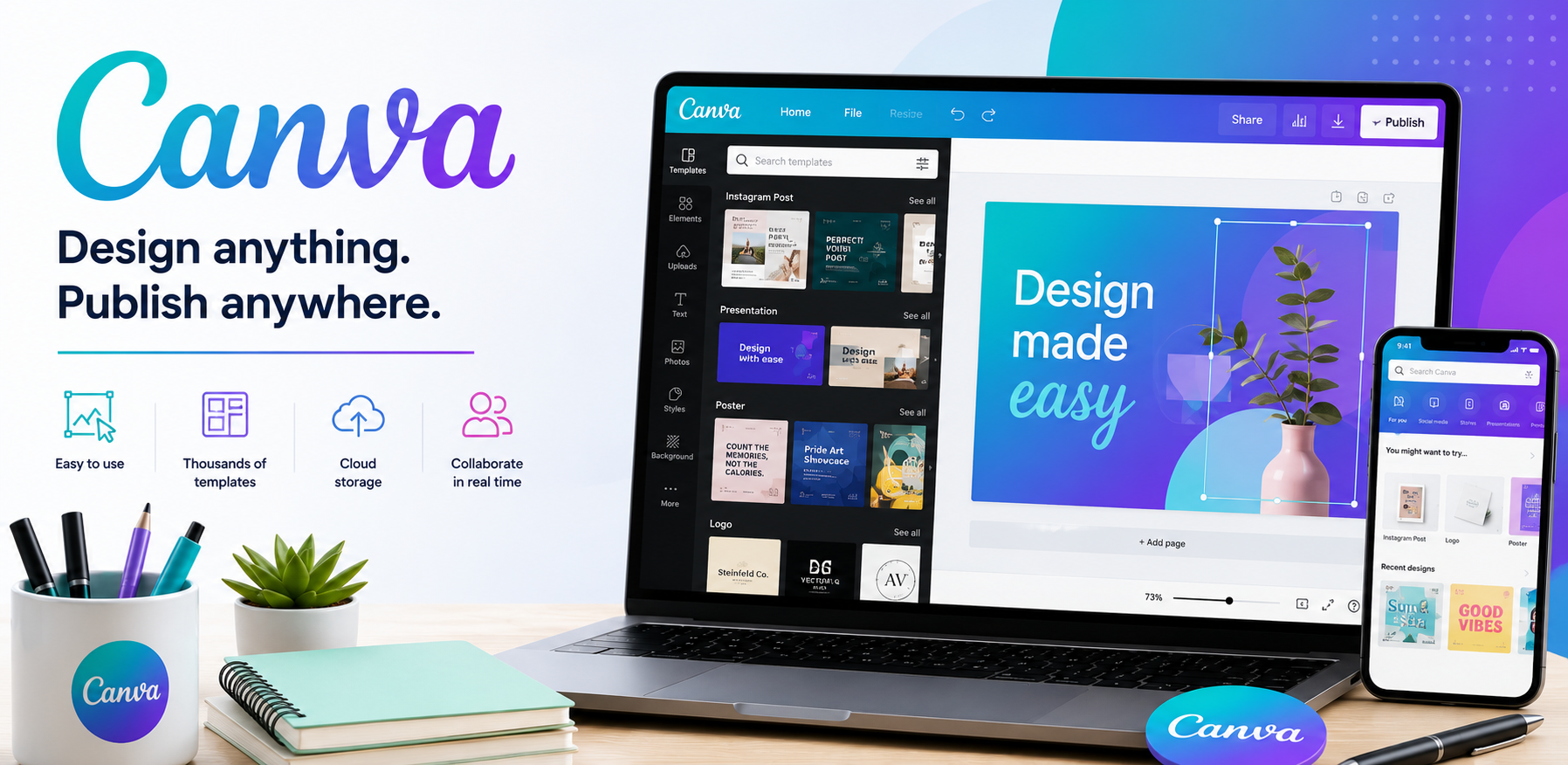
| Canva | Non-designers making marketing content | Huge template library with a genuinely easy drag-and-drop editor | Less precise control than professional design software | Read the review |
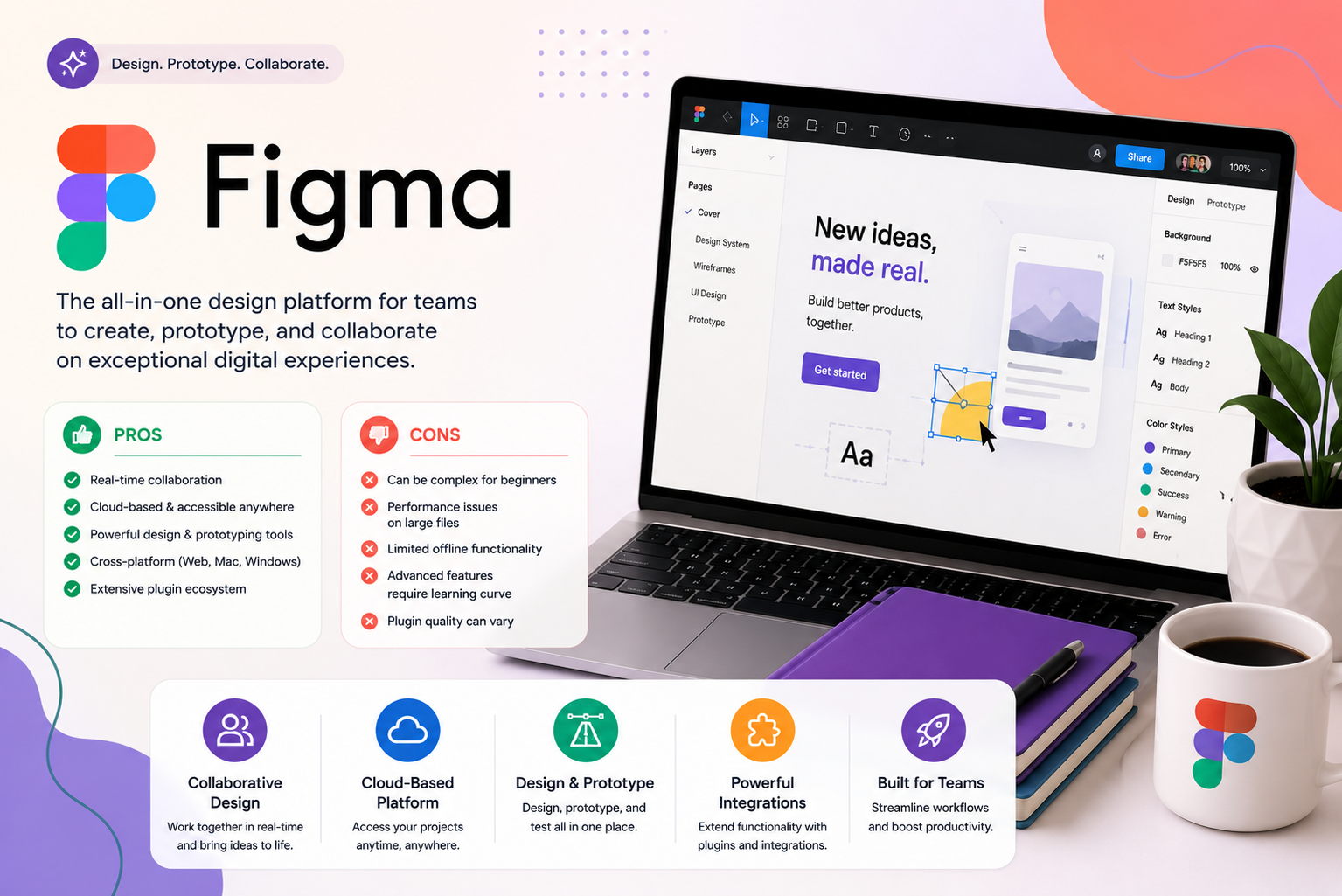
| Figma | Product, UI, and web design collaboration | Real-time multiplayer editing that’s become the industry standard for interface design | Steeper learning curve than Canva for non-designers | Read the review |
| Adobe Creative Cloud | Professional-grade photo, video, and print design | The deepest, most capable toolset in the category, bar none | Steep learning curve and the highest price point here | Read the review |
| Miro | Visual collaboration and brainstorming | An infinite whiteboard built for real-time team workshops, not finished design output | Not a substitute for a dedicated design tool | Read the review |
Best All-in-One Design Tool for Non-Designers
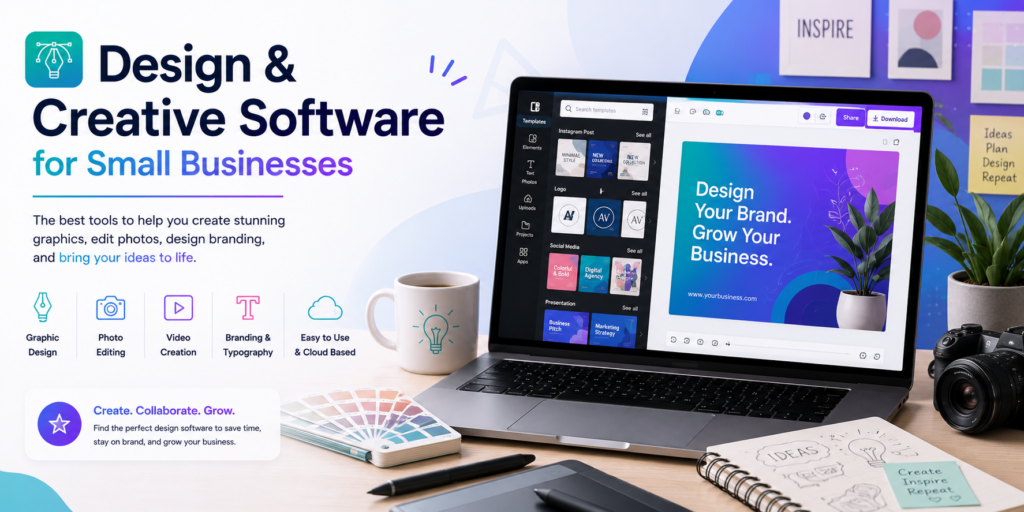
Canva remains the easiest starting point for anyone without formal design training — social media graphics, presentations, simple print materials, and basic video, all through a drag-and-drop editor backed by an enormous library of templates. It’s the right tool for a small business owner or marketer producing everyday content, and the wrong one for anything requiring pixel-level precision or advanced photo editing. Read the full Canva review.
Best for Product, UI, and Web Design Collaboration
Figma has become the default tool for designing digital products and interfaces, largely on the strength of real-time multiplayer editing — designers, developers, and stakeholders can view and comment on the same file simultaneously rather than passing static exports back and forth. It’s overkill for a business that just needs marketing graphics, but the clear choice for anyone building or redesigning an app, website, or product interface. Read the full Figma review.
Best Professional Creative Suite
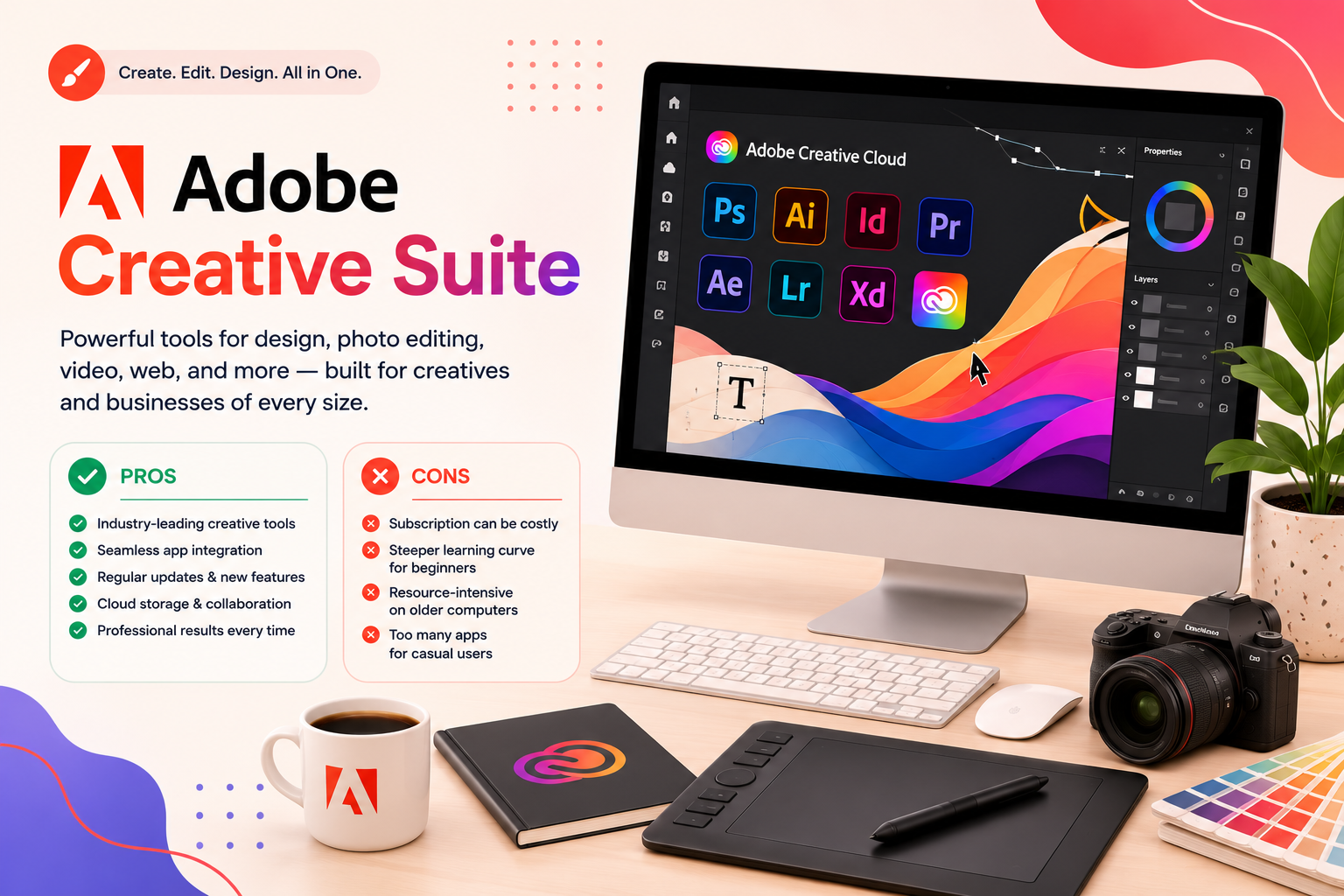
Adobe Creative Cloud remains the deepest, most capable toolset available for serious photo editing, video production, and print design — Photoshop, Illustrator, and Premiere Pro are still the professional standard in most creative industries. The tradeoff is real: a genuine learning curve and the highest price point of any tool on this page, which makes it the right investment for a business doing serious creative production and often more than a business just needing polished marketing graphics actually needs. Read the full Adobe Creative Cloud review.
Best for Visual Collaboration and Brainstorming
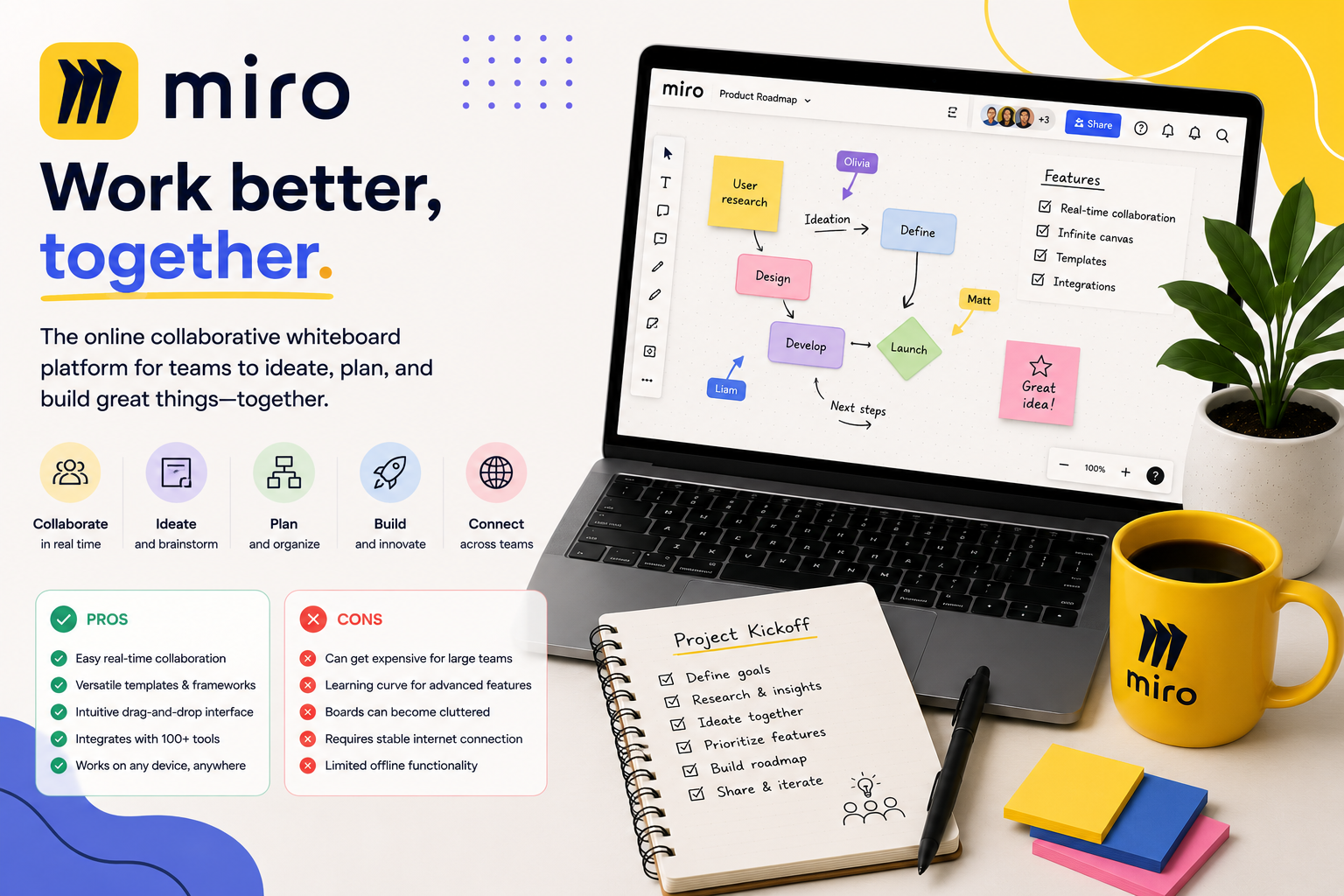
Miro isn’t a design tool in the traditional sense — it’s an infinite digital whiteboard built for workshops, brainstorming, planning, and visual collaboration in real time. It’s a strong complement to any of the tools above rather than a replacement for them, particularly useful for teams that plan visually before building anything in a dedicated design tool. Read the full Miro review.
What to Look for in Design & Creative Software
Who’s actually doing the design work. A marketer without design training needs a fundamentally different tool than a trained designer building a product interface — matching the tool to the skill level using it matters more than picking the most “powerful” option.
Whether you need finished output or a planning/collaboration space. Miro is excellent for brainstorming and workshops but doesn’t produce a polished final asset the way Canva, Figma, or Adobe’s tools do — know which job you’re solving before choosing.
Real-time collaboration needs. If multiple people need to work on the same file simultaneously — a common need in product design specifically — confirm a tool actually supports true multiplayer editing rather than just file sharing and comments.
Total cost across a team. Professional tools like Adobe Creative Cloud and Figma price per seat and can add up quickly for a growing team; model realistic cost at your actual headcount, not just the individual-plan price most people see first.
How We Evaluate Design & Creative Software
This category page and its linked reviews are research-based, drawing on official pricing and documentation, independent user feedback, and third-party comparisons. We weigh ease of use for the tool’s intended skill level, output quality and design capability, collaboration features, pricing structure at realistic team sizes, and how well each tool fits into a broader small-business workflow.
All Design & Creative Software Reviews
- Canva Review — the easiest all-in-one design tool for non-designers.
- Figma Review — the industry standard for collaborative product and UI design.
- Adobe Creative Cloud Review — the deepest professional-grade creative toolset available.
- Miro Review — an infinite whiteboard for visual collaboration and brainstorming.