Best Customer Service & Support Software for Small Businesses
Customer expectations for response time have gone up even as small business teams stay the same size, which is why this category has split into several genuinely different types of tools rather than one “help desk” for everyone. A full help desk platform, a live chat widget, and an AI chatbot solve overlapping but distinct problems — and most growing businesses eventually use more than one.
Our Top Picks
| Software | Best For | Standout Strength | Full Review |
|---|
| Zendesk | Full-featured help desk at any scale | The most established, feature-complete ticketing platform in the category | Read the review |
| Help Scout | Small teams wanting a simpler, email-first help desk | Feels like shared email rather than enterprise ticketing software | Read the review |
| Gorgias | eCommerce stores, especially on Shopify | Built-in order and customer data directly inside every support ticket | Read the review |
| LiveChat | Real-time website chat support | Purpose-built live chat with strong analytics on chat performance | Read the review |
| Chatbase | Building an AI chatbot from your own content | Trains a support bot directly on your existing help docs and site content | Read the review |
Best Full-Featured Help Desk Platforms
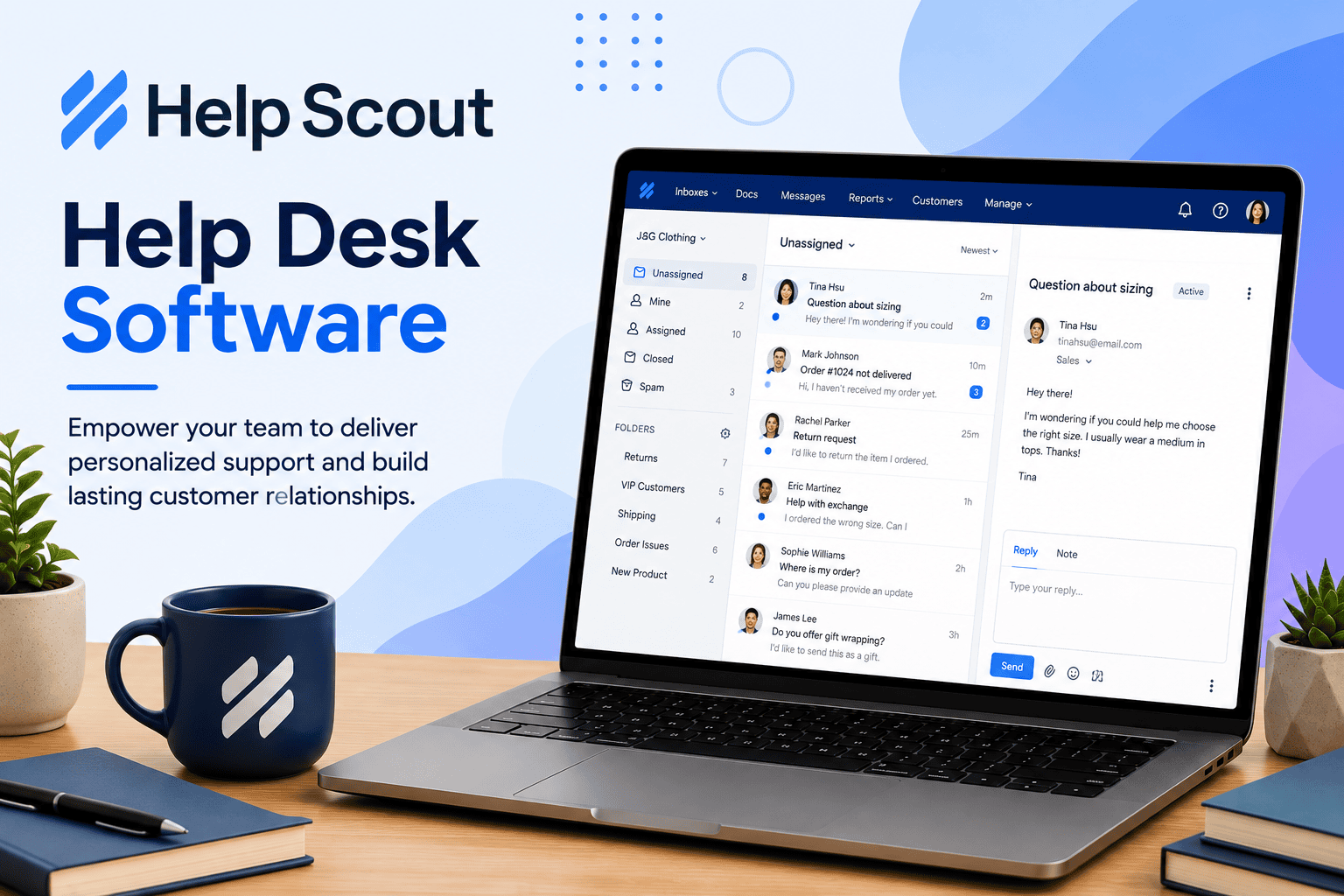
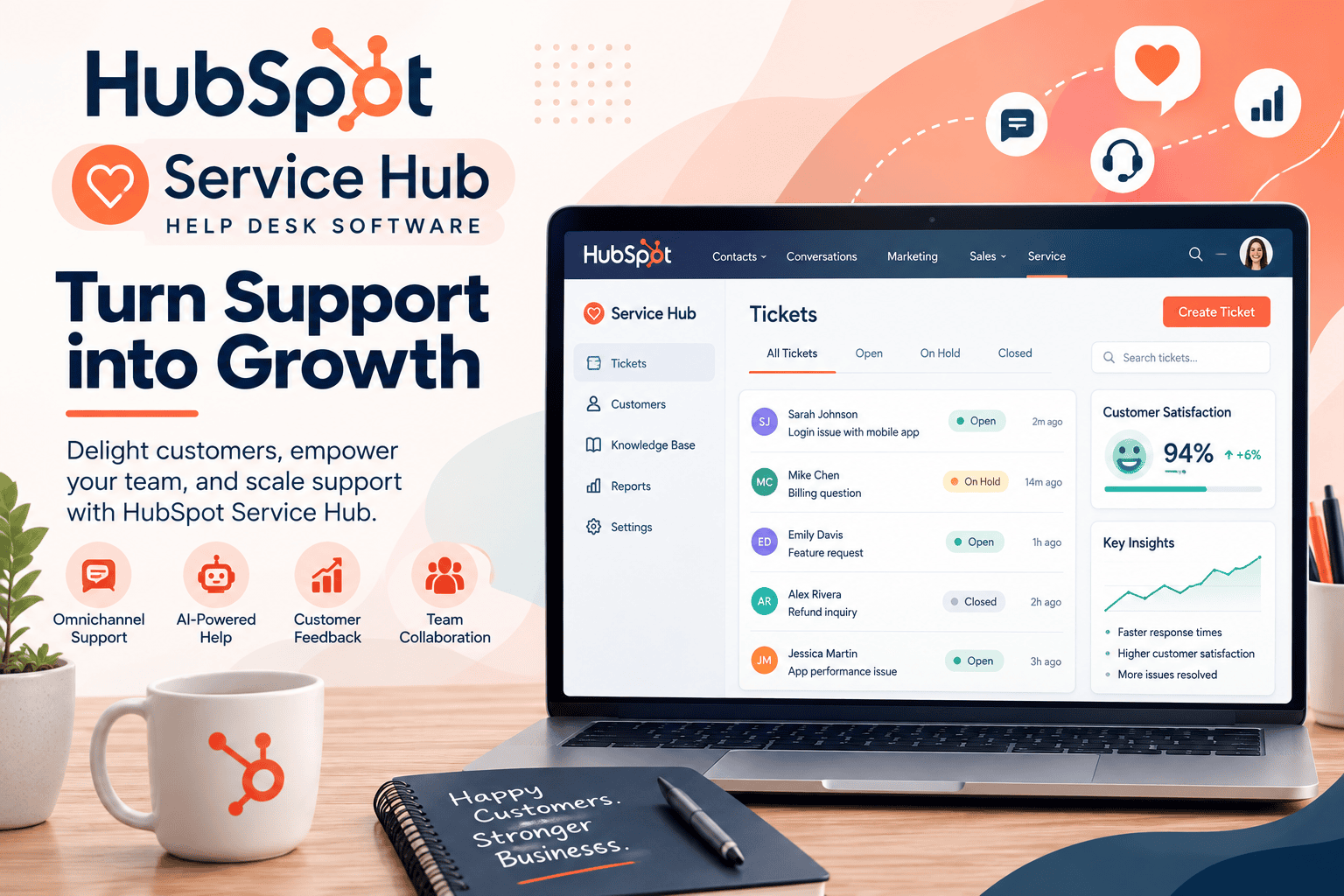
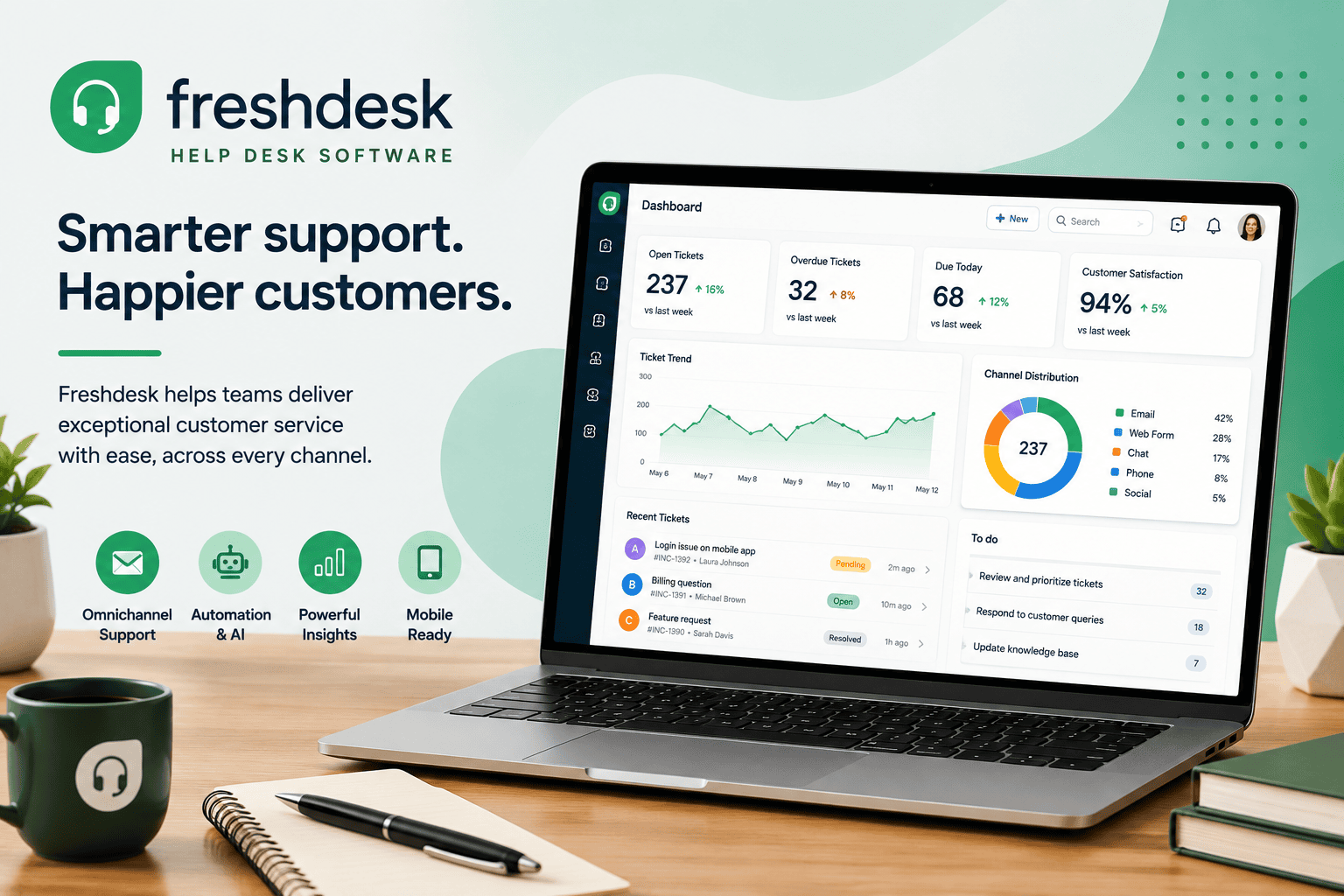
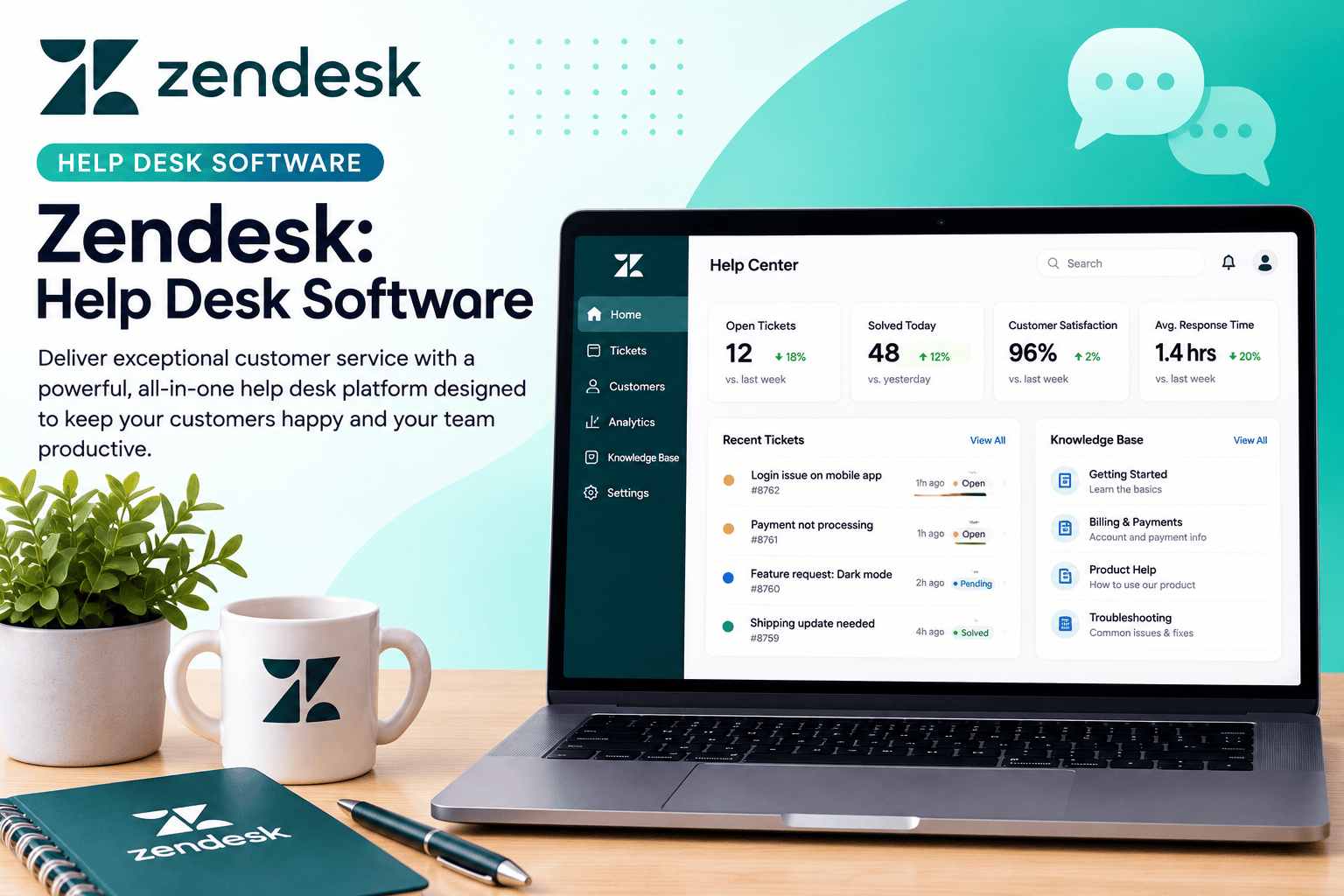
Zendesk remains the most complete, established option in this category — ticketing, knowledge base, reporting, and a large marketplace of integrations, built to scale from a small support team to a much larger one without switching platforms later. Freshdesk is the closest direct competitor, generally positioned as a more budget-friendly alternative with a comparable core feature set. HubSpot Service Hub is the natural choice if you’re already using HubSpot’s CRM or marketing tools and want support tickets tied directly to the same customer record. Help Scout takes a deliberately simpler approach, designed to feel like a shared inbox rather than enterprise ticketing software — a strong fit for a small team that finds Zendesk-style platforms more complex than they need. Zoho Desk rounds out this group as the value pick, particularly for a business already inside the Zoho ecosystem. Full reviews: Zendesk, Freshdesk, HubSpot Service Hub, Help Scout, Zoho Desk.
Best Support Software for eCommerce
Gorgias is purpose-built for online stores, particularly on Shopify — every support ticket surfaces the customer’s order history, shipping status, and purchase data automatically, which removes the manual lookup that eats into response time on a generic help desk. If most of your support volume is order status, returns, and shipping questions, Gorgias is a stronger fit than a general-purpose platform. Read the full Gorgias review.
Best Live Chat Software
LiveChat is the most focused pure-play option, built specifically around real-time website chat with strong reporting on response time and agent performance. Crisp and Freshchat both compete in similar territory with their own take on live chat plus lighter automation, and Tidio rounds out the group with a live chat and basic chatbot combination aimed at smaller teams and online stores. Full reviews: LiveChat, Crisp, Freshchat, Tidio.
Best AI Chatbot Builders
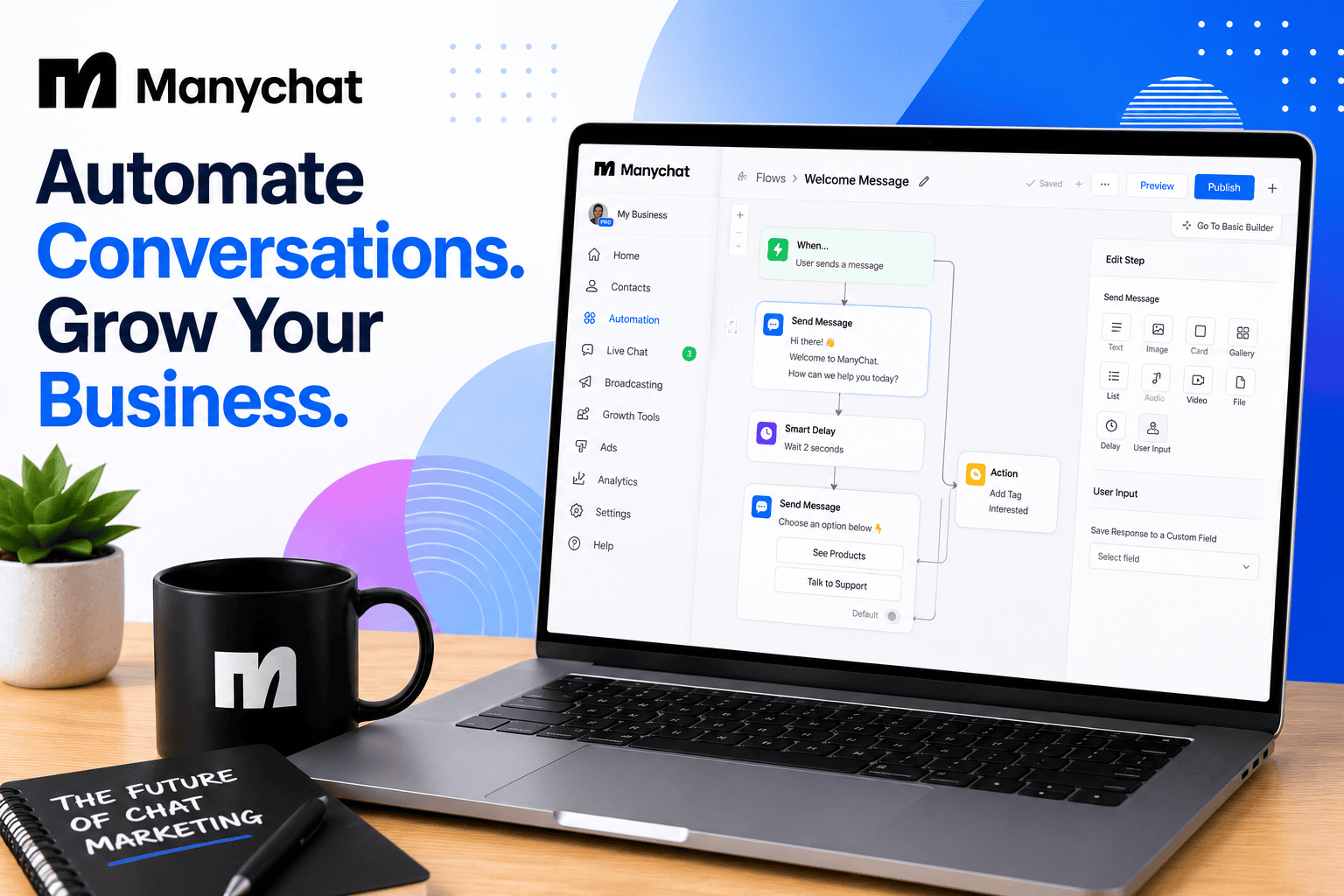
Chatbase solves a specific, common need well: turning your existing help docs, FAQ pages, or site content into a chatbot that can answer customer questions without a human building a decision tree by hand. Botsonic and Voiceflow both serve a similar space with more design flexibility for building custom conversational flows, with Voiceflow generally the more developer-oriented of the two. Landbot takes a no-code approach to the same job, aimed at teams that want a visual chatbot builder without engineering support. ManyChat is the outlier in this group — built specifically for chatbot automation on Instagram and Facebook Messenger, making it a better fit for social-first businesses than for on-site support. Full reviews: Chatbase, Botsonic, Voiceflow, Landbot, ManyChat.
What to Look for in Customer Service & Support Software
Whether you need a ticketing system, live chat, or both. These solve different problems — asynchronous, trackable support requests versus real-time conversations — and many businesses eventually need both rather than picking one.
How well it fits your specific business model. A generic help desk works for most businesses, but an eCommerce store handling constant order-status questions will get more value from a platform like Gorgias that surfaces order data automatically.
Where AI automation actually helps versus adds friction. A chatbot that can reliably answer common questions from your existing content saves real time. A chatbot that frustrates customers into demanding a human agent anyway just adds a delay — test any AI chatbot against your own real customer questions before rolling it out broadly.
Per-agent pricing at your actual team size. Most platforms in this category price per seat, and advanced features (automation, reporting, integrations) are often gated to higher tiers — model realistic cost at your support team’s size, not the entry-tier example.
How We Evaluate Customer Service & Support Software
This category page and its linked reviews are research-based, drawing on official pricing and documentation, independent user feedback, and third-party comparisons. We weigh core ticketing or chat functionality, ease of setup and use for a non-technical support team, AI/automation quality where applicable, pricing structure at realistic team sizes, and integration depth with common small-business tools.
All Customer Service & Support Software Reviews
Help Desk Platforms: Zendesk · Freshdesk · HubSpot Service Hub · Help Scout · Zoho Desk
eCommerce Support: Gorgias
Live Chat: LiveChat · Crisp · Freshchat · Tidio
AI Chatbot Builders: Chatbase · Botsonic · Voiceflow · Landbot · ManyChat