
Trello for Small Business: Why the Simplest Project Board Might Be Your Smartest Hire
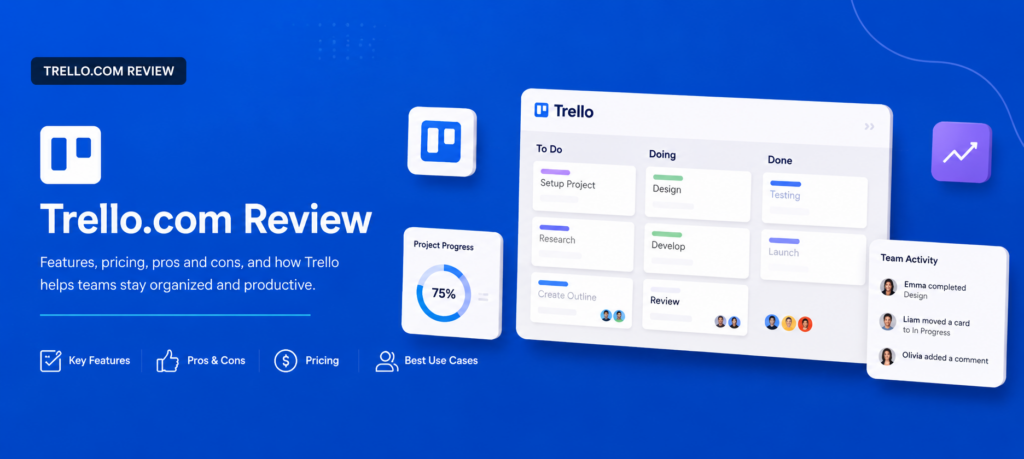
Some business tools try to do everything. Trello does one thing — visual task management — so well that millions of teams have organized their entire operations around it. Its signature Kanban board of lists and draggable cards has become the mental model for how modern teams picture their work: to do, doing, done.
But simplicity cuts both ways. Trello is beloved by freelancers and small teams and just as frequently outgrown by scaling companies, and reviewers are refreshingly blunt about where the line sits. In this article, we’ll cover what Trello offers today, what professional reviewers and real customers say about it, how to set up a working system in under an hour, and the tips that turn a wall of cards into a genuine productivity engine for your business.
What Is Trello and Who Is It For?
Trello, owned by Atlassian since 2017, is a visual project management tool built around three ideas: boards (a project or workflow), lists (stages of that workflow), and cards (individual tasks). Cards move left to right across lists as work progresses, giving everyone an at-a-glance picture of status without meetings, spreadsheets, or email chains.
Each card carries surprisingly deep detail when you need it: descriptions, checklists, due dates, labels, file attachments, assigned members, and comment threads. Butler, Trello’s built-in automation engine, lets you create rules like “when a card moves to Done, mark the due date complete and notify the channel” — no coding required. Power-Ups extend boards with integrations and features, connecting Trello to Slack, Google Drive, calendars, and hundreds of other tools. Newer plans also include Atlassian Intelligence, an AI layer for capturing tasks quickly and generating or summarizing content on higher tiers.
Pricing is one of Trello’s biggest draws. The Free plan is genuinely usable forever — unlimited cards, up to 10 boards per workspace, and basic automation. Standard runs about $5 per user per month with unlimited boards and guest access, Premium at about $10 adds calendar, timeline, table, and dashboard views plus admin controls, and Enterprise adds organization-wide governance. That entry pricing undercuts most competitors — roughly half the cost of comparable monday.com or Wrike tiers.
The ideal Trello user is well established: solo freelancers who want a visual system instead of nested lists, small teams with straightforward workflows, and businesses that collaborate with clients or outside partners, since external stakeholders can be invited to boards without extra licenses.
Trello Review: What Reviewers and Real Customers Are Saying
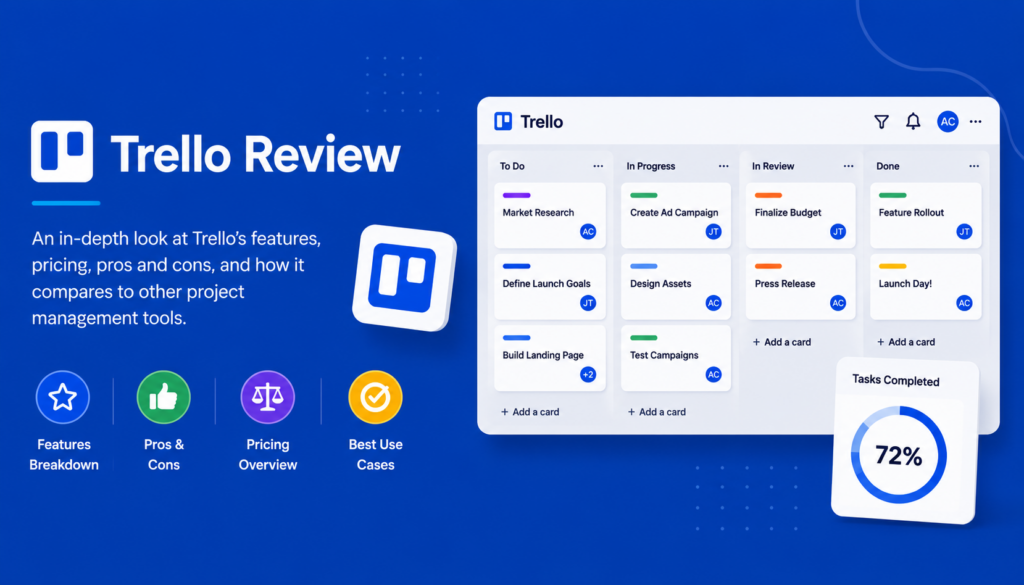
We reviewed professional assessments from Tech.co, The CMO, Fastlancer, TaskRhino, TeamHub, and SaaSworthy, along with verified customer reviews on Capterra, G2, and Software Advice. The verdict is remarkably consistent — and unusually honest about who should skip it.
The Professional Verdict
Reviewers agree on Trello’s core strength: it’s the easiest project management tool to actually adopt. Fastlancer’s 2026 hands-on review concludes that for visual task management at solo or small-team scale, “there is simply no easier tool to operate,” and calls the free plan one of the most generous in the entire category. Tech.co recommends Trello specifically for businesses that want an affordable, easy-to-use platform for simple projects, noting the $5 Standard plan is cheaper than most rivals — Wrike’s entry plan costs nearly double.
The comparisons are just as consistent. TaskRhino’s head-to-head verdicts: Trello wins on simplicity and cost for small teams, while monday.com wins on features and reporting, Asana on structured project management, and ClickUp on features per dollar — though Trello is far easier for non-technical teams to adopt. SaaSworthy notes the Reddit consensus mirrors the professional one: fantastic early, limiting at scale.
The most candid assessment comes from a TeamHub reviewer with a decade of experience placing small businesses on PM tools, who rates Trello 7.5/10 for small teams with simple needs but only 5/10 for growing businesses — observing that teams larger than 15–20 people typically outgrow it within 12–18 months, so the eventual migration cost is worth weighing upfront.
What Customers Love
Ease of use above everything. Capterra reviewers describe Trello as a daily part of business operations, praising how easy it is to organize tasks and customize boards for a small team. A property management user on Software Advice explained why the format works: the board-list-card layout maps naturally onto real workflows — New Leads → Showings → Applications → Leases — so the team sees status at a glance without digging through spreadsheets or email chains, and called it their go-to view of “what’s on deck” across the whole operation.
Fast setup, low training burden. Users repeatedly note how quickly new boards, checklists, due dates, and attachments come together, and how little training teammates need. For small businesses without an ops person, that adoption speed is the difference between a tool that sticks and a subscription that dies quietly.
Automation that punches above its weight. G2 reviewers highlight Butler automations for streamlining repetitive tasks and making project management feel less burdensome, alongside visual process mapping that helps spot workflow bottlenecks.
Client-friendly collaboration. Freelancers especially value inviting clients directly into boards as guests — shared visibility without extra seats or forcing clients to learn complex software.
Price. Trello holds a 4.4-star rating across nearly 14,000 G2 reviews, with small businesses making up the majority of reviewers, and the combination of a real free tier and $5 entry pricing comes up constantly as best-in-class value.
What Customers Complain About
It’s built for simple — and stays that way. The universal criticism: no native task dependencies, no sub-tasks with their own assignees, and limited reporting unless you add third-party Power-Ups. TaskRhino puts it plainly: Trello works brilliantly for simple task tracking and struggles the moment projects grow beyond sticky notes on a digital board.
Free plan ceilings arrive faster than expected. The 10-board cap, single Power-Up per board, and automation run limits push active users to paid plans sooner than the “free forever” framing suggests. Capterra reviewers also cite limited role management on the free tier.
Missing views until Premium. Standard lacks timeline, table, calendar, and dashboard views — you’re paying $10 per user before Trello resembles a fuller project management suite, at which point competitors’ feature math starts looking better.
Communication still lives elsewhere. Several reviewers note they must bolt on other apps for team communication, since Trello’s comments aren’t a substitute for chat.
The Bottom Line
Trello is the rare tool where the marketing, the reviewers, and the customers all describe the same product: the fastest, cheapest, friendliest way for a small team to see its work — with a hard ceiling that arrives when projects get complex or headcount grows. If you’re a freelancer, a team under ~15, or a business running visual, stage-based workflows, it’s arguably the best value in project management. If you need dependencies, resource planning, or deep reporting, start elsewhere and skip the migration.
Quick Start Guide: A Working Trello System in Under an Hour
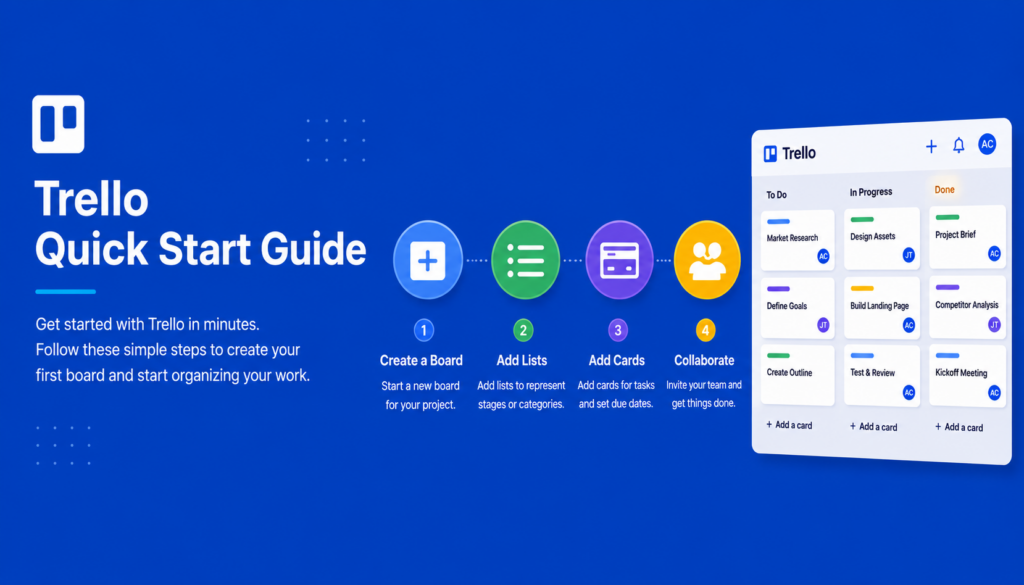
Step 1: Sign Up Free and Create Your First Board
Create a free account and start a board for your most important workflow — not a hypothetical project, but the actual pipeline of your business. Sales, client projects, content, hiring: pick the one causing the most “where are we on this?” questions.
Step 2: Build Lists That Mirror Your Real Stages
Default “To Do / Doing / Done” works, but boards get powerful when lists match your actual process — for a service business, something like Inquiry → Quoted → Scheduled → In Progress → Invoiced → Complete. If work in real life sits in a stage, it deserves a list.
Step 3: Load Your Cards
Create a card for each active task or client. Add a short, action-oriented title, then open each card to add a description, a checklist of steps, a due date, and an assigned member. Attach relevant files directly to the card so hunting through email ends today.
Step 4: Add Labels for At-a-Glance Context
Set up a small color-coded label system — by client type, priority, or service line. Resist the urge to create fifteen labels; four to six meaningful ones keep the board readable.
Step 5: Automate One Annoying Thing with Butler
Start with a single rule, such as: when a card moves to “Complete,” mark the due date done and archive it after a week. One working automation teaches you the pattern; you’ll add more as repetition reveals itself.
Step 6: Invite Your Team (and Clients)
Add teammates to the board and assign existing cards. If clients are involved, invite them as guests to the boards that concern them. Then make the rule that defines successful Trello adoption: work gets assigned on the board, not in email or chat.
Step 7: Set a Daily Two-Minute Ritual
Each morning, scan the board left to right: what’s stuck, what’s due, what’s done. This tiny habit is what separates teams whose boards reflect reality from teams whose boards decay into wishful thinking.
Tips & Tricks: Turning Boards into Business Growth
Run Your Sales Pipeline as a Board
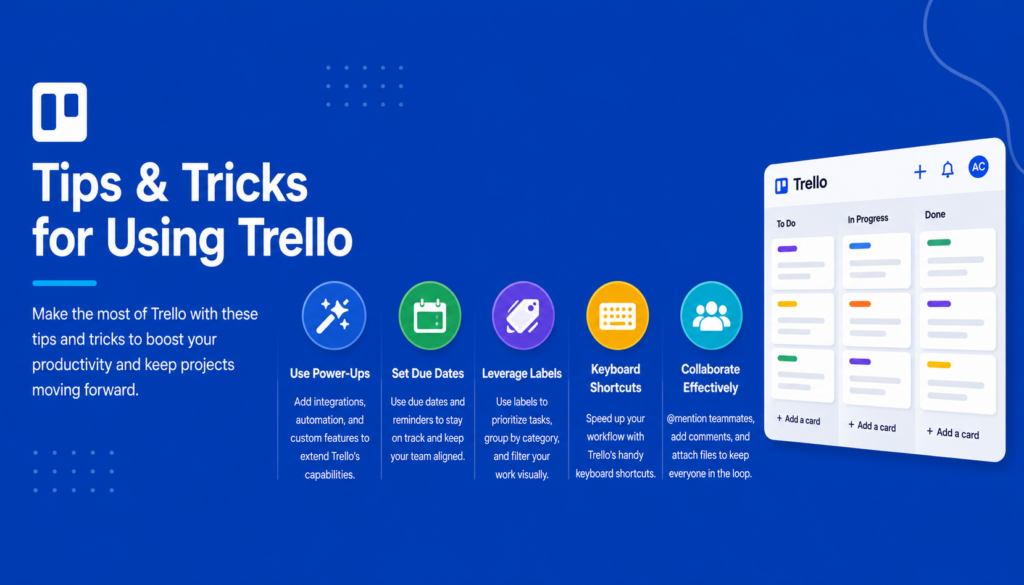
Trello isn’t just for projects — a board with lists for each sales stage becomes a free, visual CRM for a small business. Card = prospect; attachments hold the quote; labels flag deal size; Butler nudges you when a card sits idle too long. You’ll stop losing deals to forgetfulness, which for most small businesses is the cheapest revenue growth available.
Use Card Aging to Find Stuck Work
Enable the card aging Power-Up and idle cards visibly fade — an instant map of where your business stalls. If cards consistently pile up in one list (“Awaiting Client Approval,” anyone?), that stage is your process bottleneck, and fixing it beats working harder everywhere else.
Build Checklist Templates for Repeatable Work
For any recurring job — client onboarding, monthly reporting, event prep — build one perfect card with a complete checklist, then copy it each time. You’re encoding your best practices so quality stops depending on memory, and new hires can execute like veterans on day one.
Let Guests Replace Status Meetings
Invite clients to their project board and let the moving cards do the reporting. Businesses that do this consistently report fewer check-in calls and happier clients — transparency is a service feature, and with Trello it’s free.
Connect the Tools You Already Use
Use Power-Ups to link Slack (card updates in your channel), Google Drive (live file attachments), and your calendar (due dates where you’ll actually see them). One well-integrated board quietly replaces a surprising amount of app-switching.
Review Limits Before You Upgrade
When you hit free-plan ceilings, upgrade deliberately: Standard ($5) if you just need unlimited boards and guests, Premium ($10) only when you genuinely want timeline, calendar, and dashboard views. And revisit the honest reviewer math once your team passes 15 people — if you’re feeling the ceiling, plan your graduation to a heavier platform before the migration gets painful.
Final Thoughts
Trello succeeds by refusing to be everything. For freelancers and small teams, that restraint is the feature: a board anyone understands in thirty seconds, a free plan that’s actually free, and a $5 tier that undercuts nearly every rival. The reviewers’ warning is worth taking seriously — complex, dependency-heavy projects belong on heavier platforms — but for the huge population of small businesses whose real problem is simply seeing their work clearly, Trello remains the smartest low-cost hire you can make. Set up your first board this afternoon, automate one annoying task, and let the cards start moving.