What’s the best project management app for a small business?
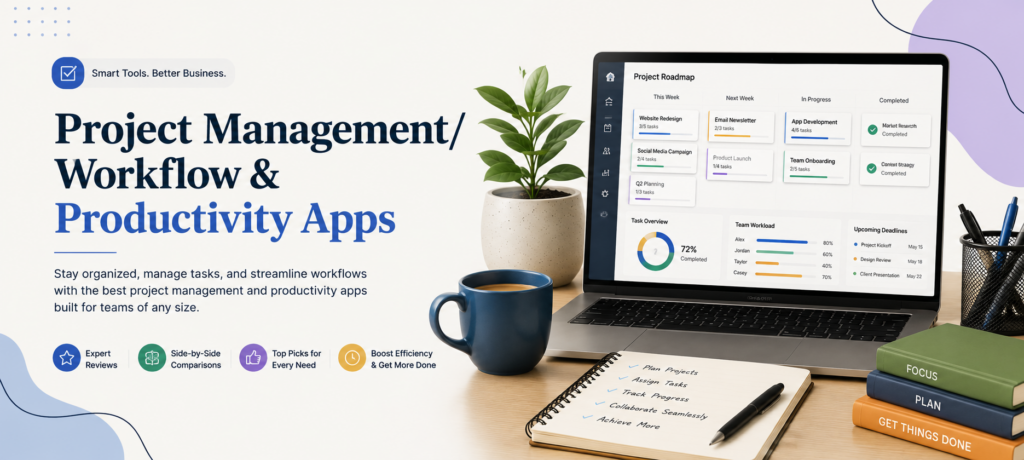
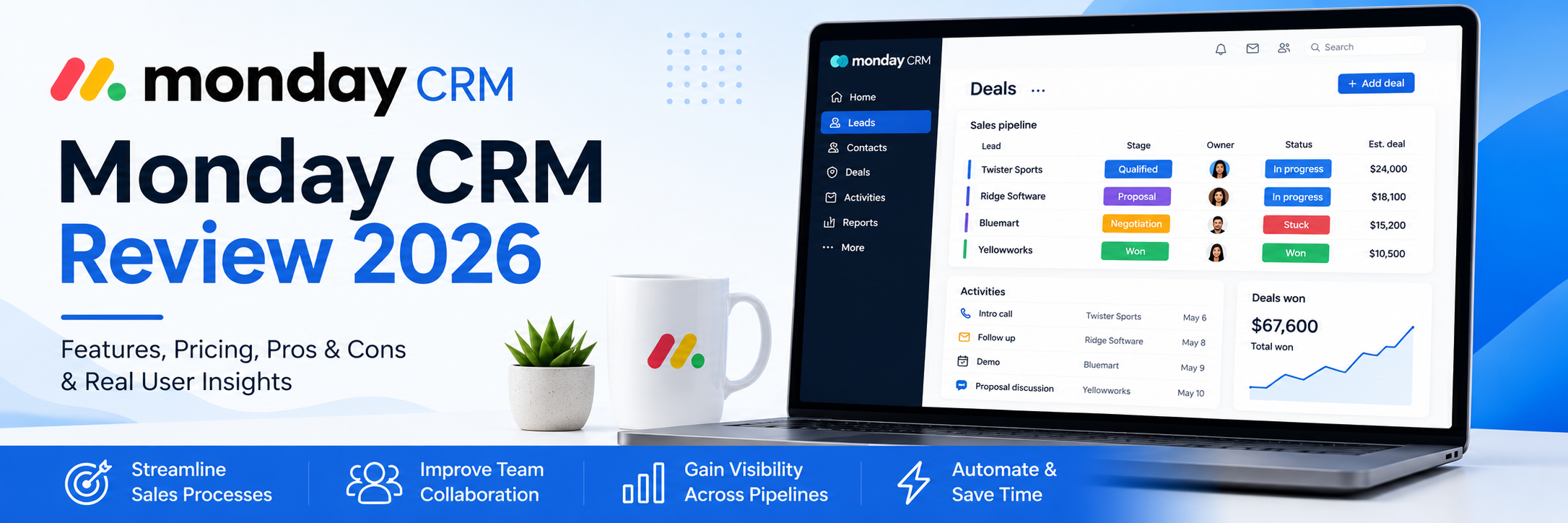
It depends on how you work. Visual board tools like Trello suit simple task tracking, platforms like Asana or Monday.com handle multi-person projects and deadlines, and Notion works well if you want docs and tasks in one place. Start with the simplest tool that covers your workflow — you can always scale up.
Are free plans good enough, or do I need to pay?
Free plans genuinely work for solo users and small teams — most cover core task management with limits on users, storage, or automations. You’ll typically need to upgrade when you add team members, want timeline/calendar views, or start relying on automation. Expect paid tiers around $8–$20 per user per month.
What’s the difference between project management and workflow apps?
Project management apps organize work with a defined start and finish — a client project, a launch, an event. Workflow tools automate the repeating processes in between, like moving a lead from inquiry to invoice. Many modern platforms do both, which is why the categories blur together.
Will a project management app actually save me time, or just add busywork?
The tool saves time only if it replaces something — scattered emails, status meetings, “where are we on this?” messages. Keep the setup simple: if updating the app takes longer than the work it organizes, you’ve over-built it. Most small businesses need far fewer columns, labels, and automations than they think.
How do I get my team to actually use it?
Pick one tool, move all task assignments into it, and stop assigning work through email or chat. Adoption follows when the app becomes the single source of truth — and stalls when tasks live in three places at once.
Do these apps integrate with the other tools I use?
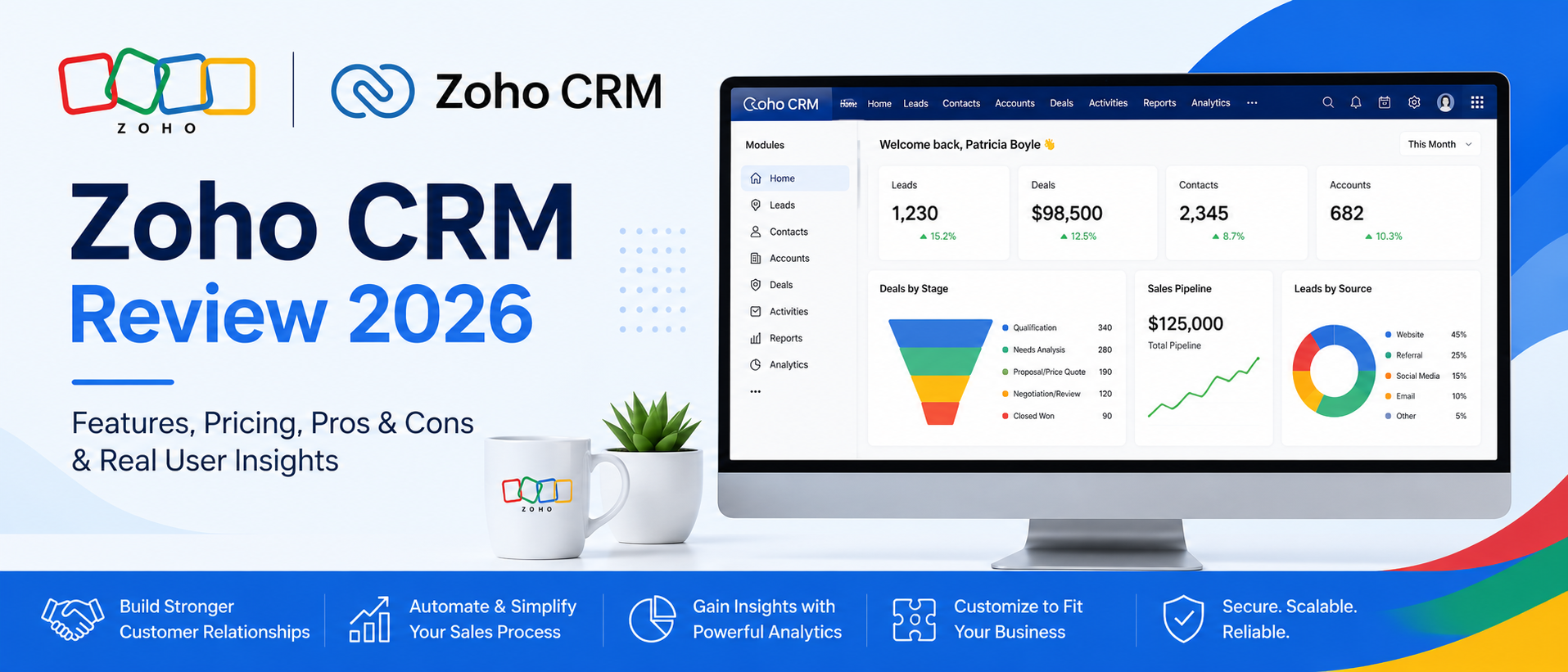
Most connect with email, calendars, Slack, cloud storage, and hundreds of other apps — often through built-in integrations or connectors like Zapier. If you already run tools like QuickBooks or a CRM, check the integrations list so project work and business data stay in sync.
.